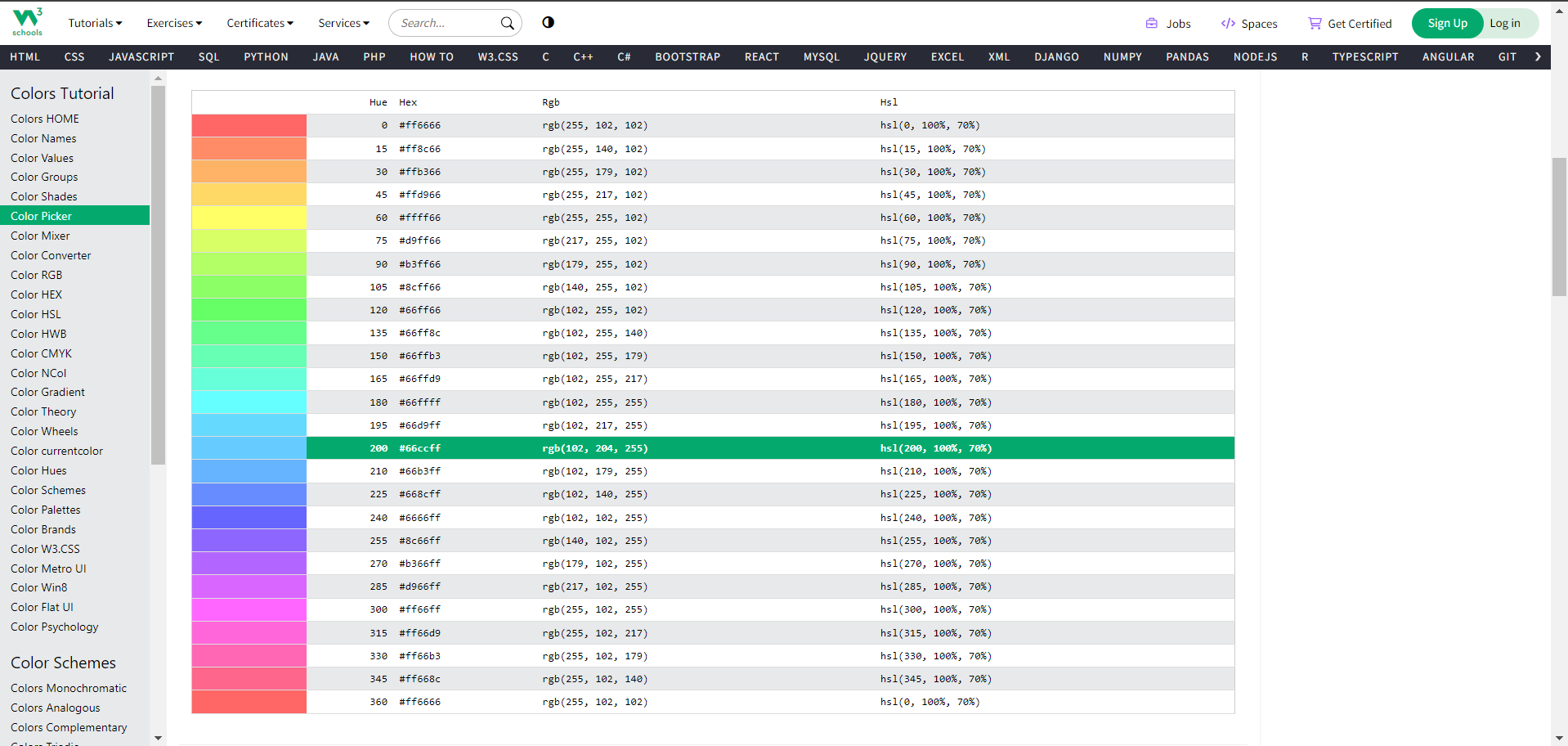
Color Picker
Introduction
W3Schools offers an interactive color picker on their website, allowing users to select and experiment with different colors easily.
why use w3schools Color Picker?
Using the W3Schools color picker is a practical way to experiment with different colors and obtain the corresponding codes for your web development projects. It's a helpful tool for both beginners and experienced developers who want to quickly find and use specific colors in their code.
Selecting Color
You can select color in various ways:
- Enter specific values for Red, Green, Blue (RGB).
- Enter a hexadecimal color code.
- Use the sliders for Hue, Saturation, and Lightness (HSL).
How to use color picker:
To use color picker, search color picker on Google, or any other search engine, and visit it's website https://www.w3schools.com/colors/colors_picker.asp .
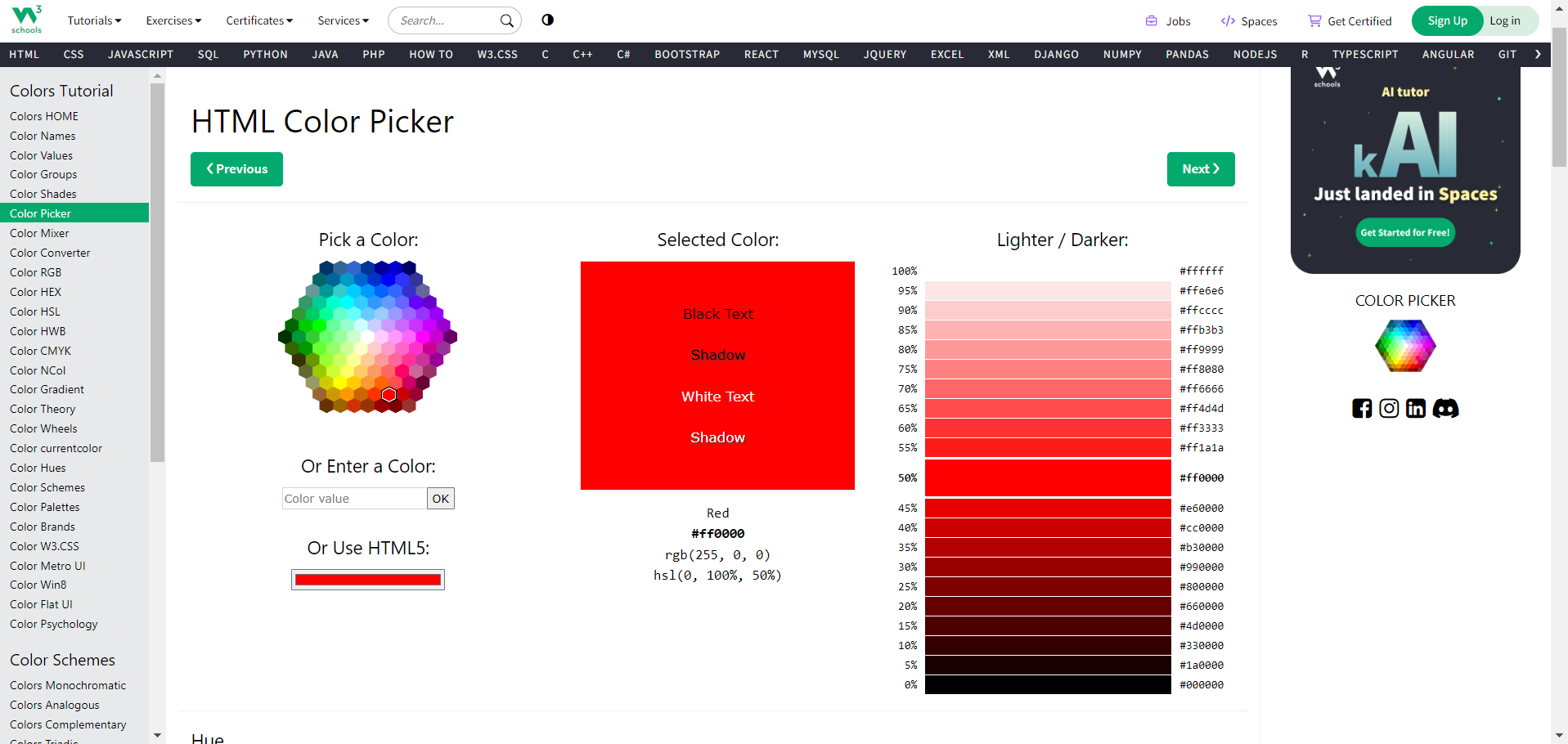
Select your color from the list.
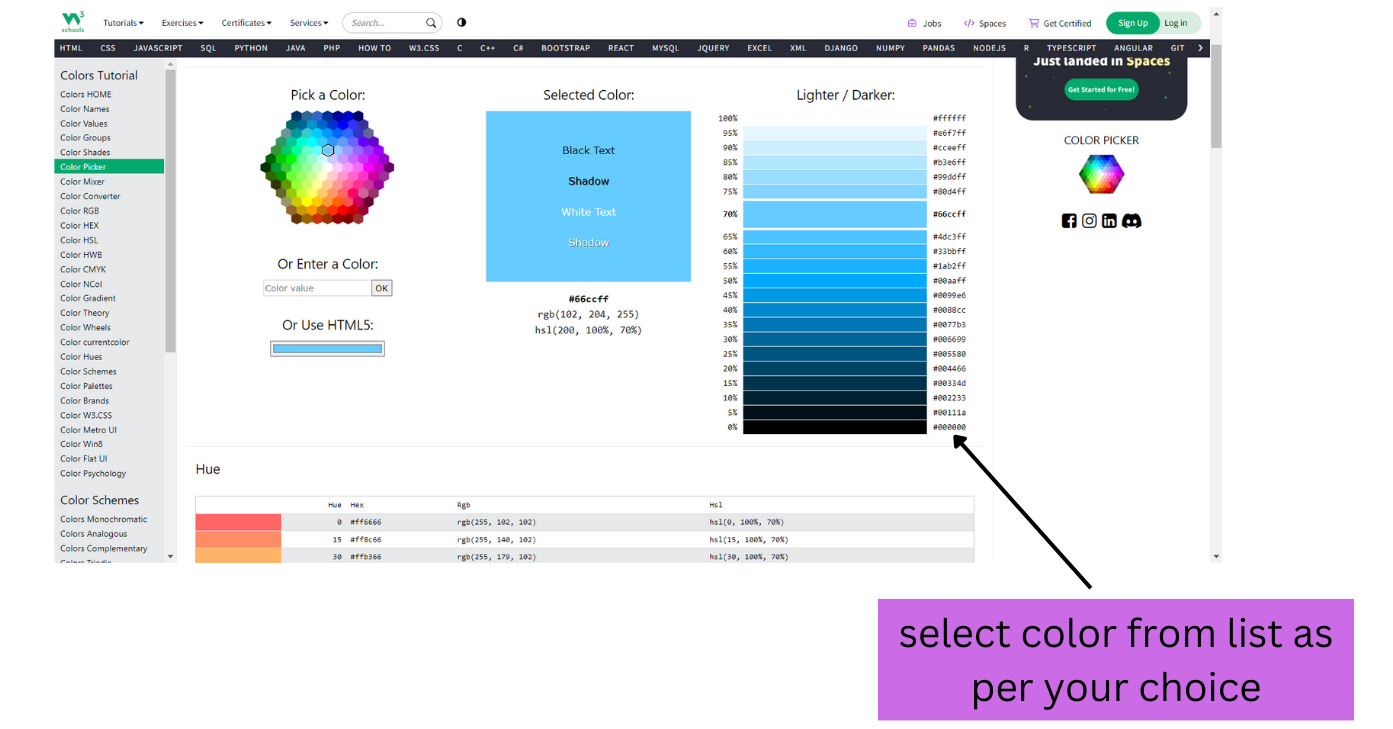
you can also select color in Red, Green, Blue (RGB) values , In hexadecimal color code or Hue , Saturation , and Lightness (HSL) values.