Creating Basic Server
What is server?
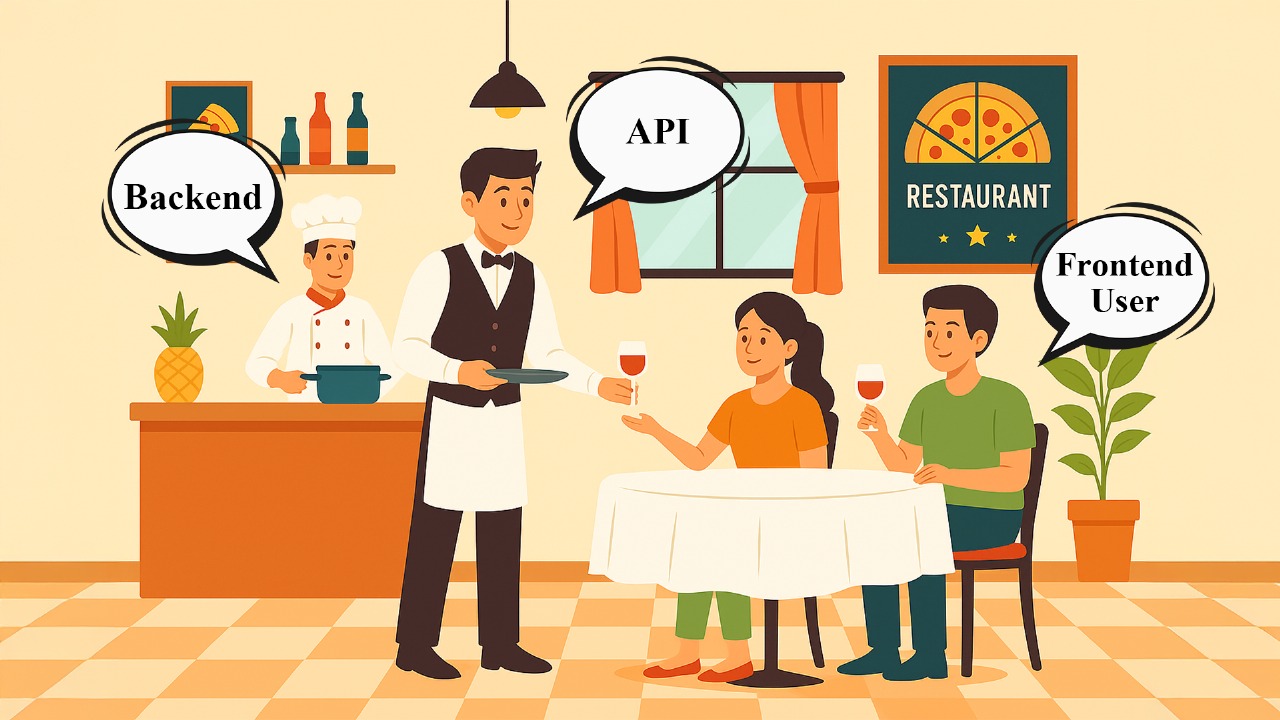
- Server : Like the restaurant’s kitchen staff and waiters. They take your request (order), prepare the response (food), and send it back. A powerful computer that stores and gives information to other computers.
- Backend : Like the kitchen and storage room. It refers to the part of a software application that handles data storage, processing, and business logic, typically running on the server.
- Frontend : Like the dining area and menu. The frontend is the user-facing part of an application, designed to interact with the user.
- API : Like the waiter who takes your order from the menu to the kitchen and brings back your food. They’re the messenger between the customer (frontend) and kitchen (backend).
Which libraries needs to install?
Library : Libraries are ready-made code tools that help developers build the server-side (backend) of applications faster, without writing everything from scratch.
We can install following libraries like express,nodemon , dotenv, mongoose , cors, etc. for creating server.
How to install libraries?
You can install libraries one by one as you need. For installing single library.
- Open your project folder in VScode.
- Open terminal and enter command
npm install library_name;
eg.
npm install express;
You can install more libraries at at a time by command :
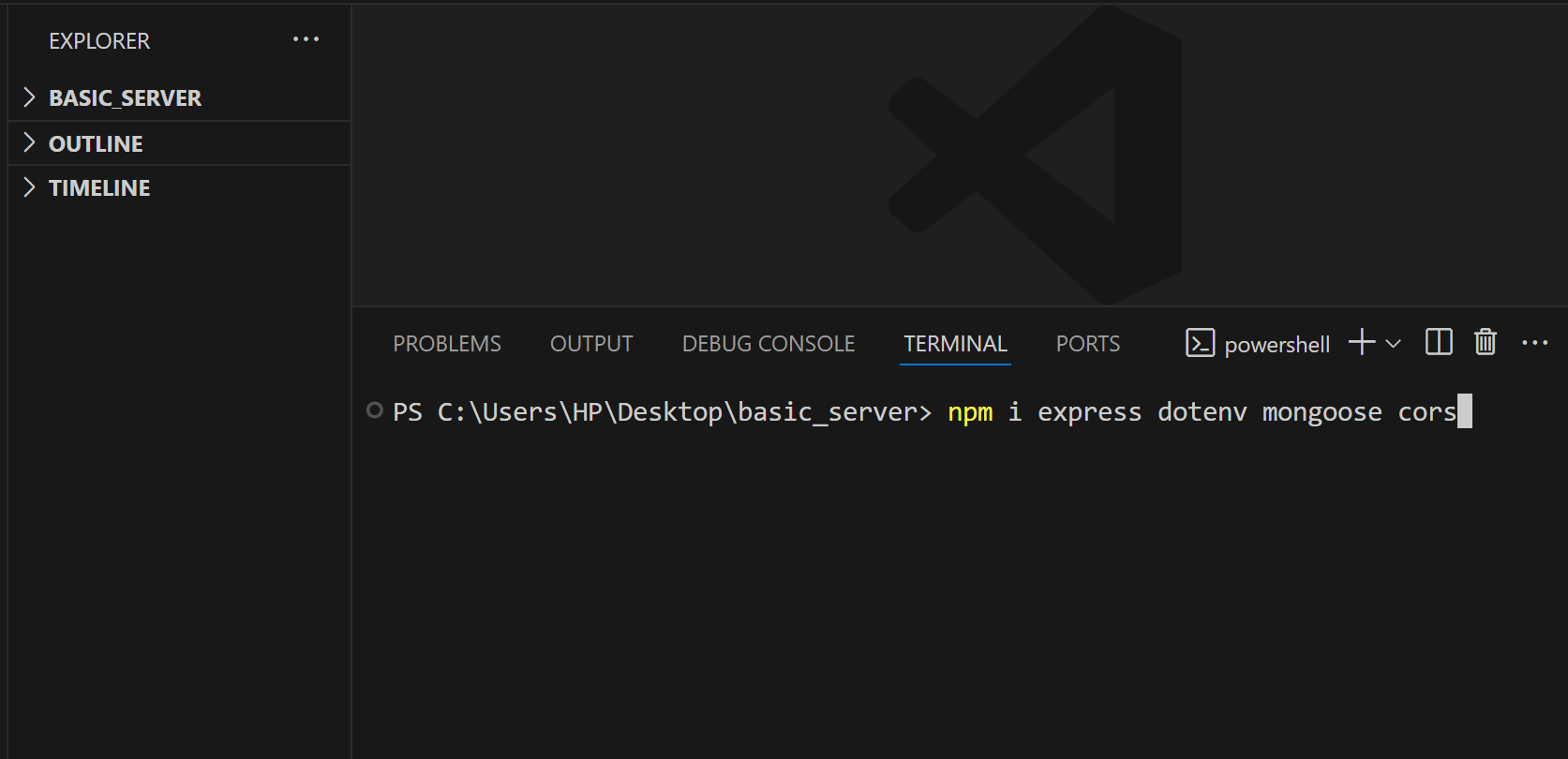
npm install express nodemon dotenv mongoose cors;
How to create basic server ?
First create a folder on your desktop.
Open that folder in VS Code Editior.
Then type a command in terminal
npm init -y, This command initialize your project with default settings, and sets up a basic configuration for yourNode.jsproject without asking for manual input.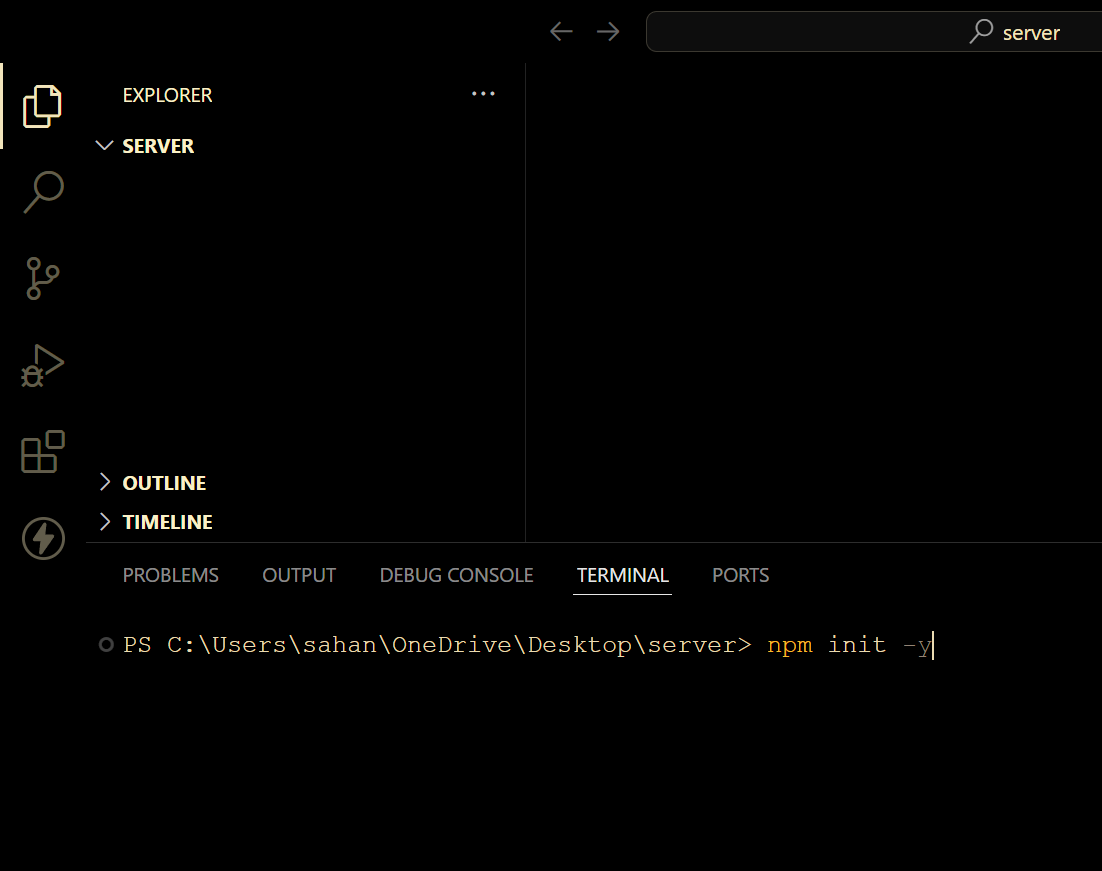
it will create
package.jsonfile .Replace the
"test": "echo \"Error: no test specified\" && exit 1"script with"start": "node index.js".This sets the command to run when you executenpm startin your terminal. It runs theindex.jsfile usingNode.js.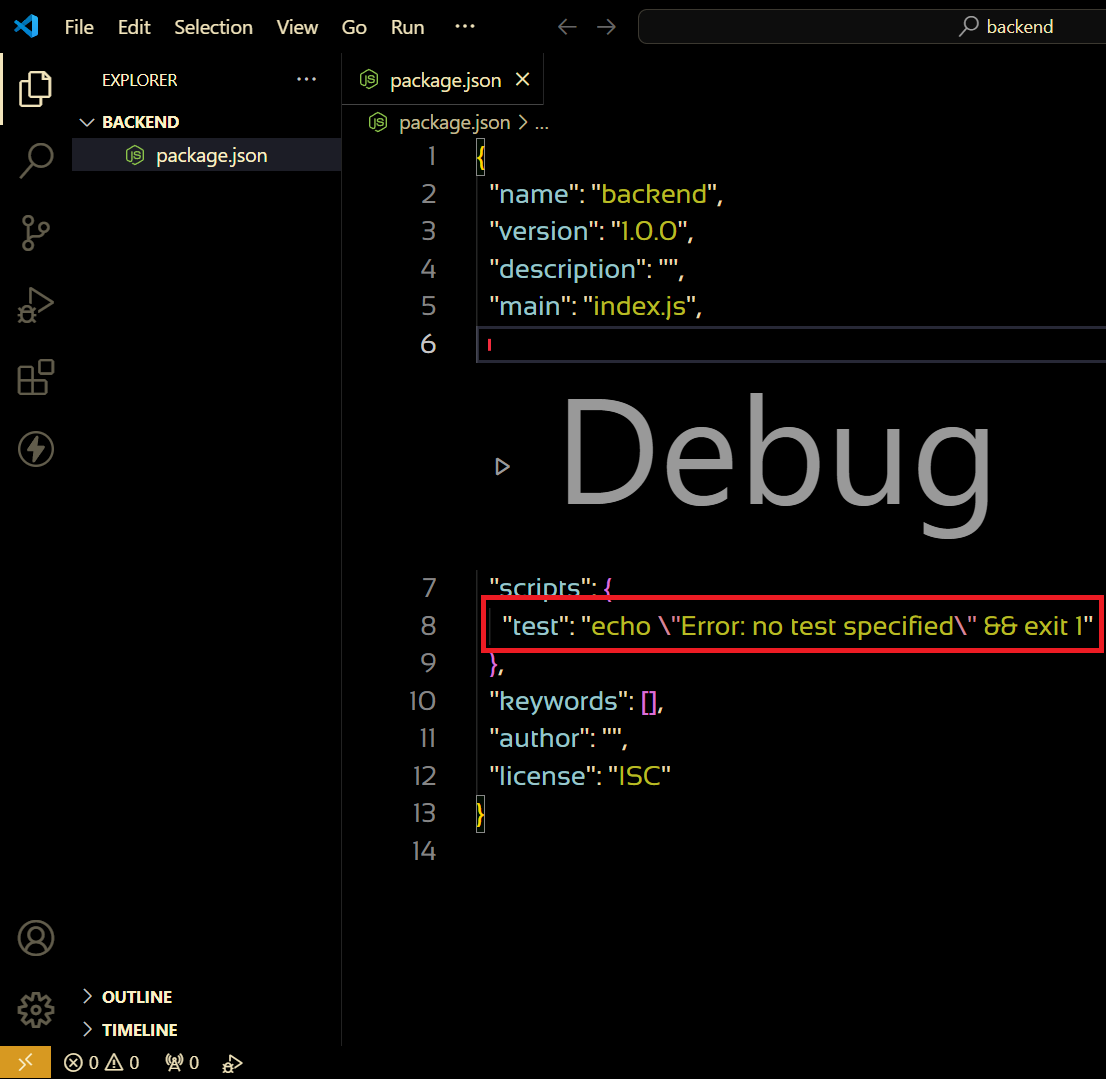
"module" after the "main" field to specify that your project uses ES modules,
"type": "module"This indicates that your project uses ES modules for JavaScript files.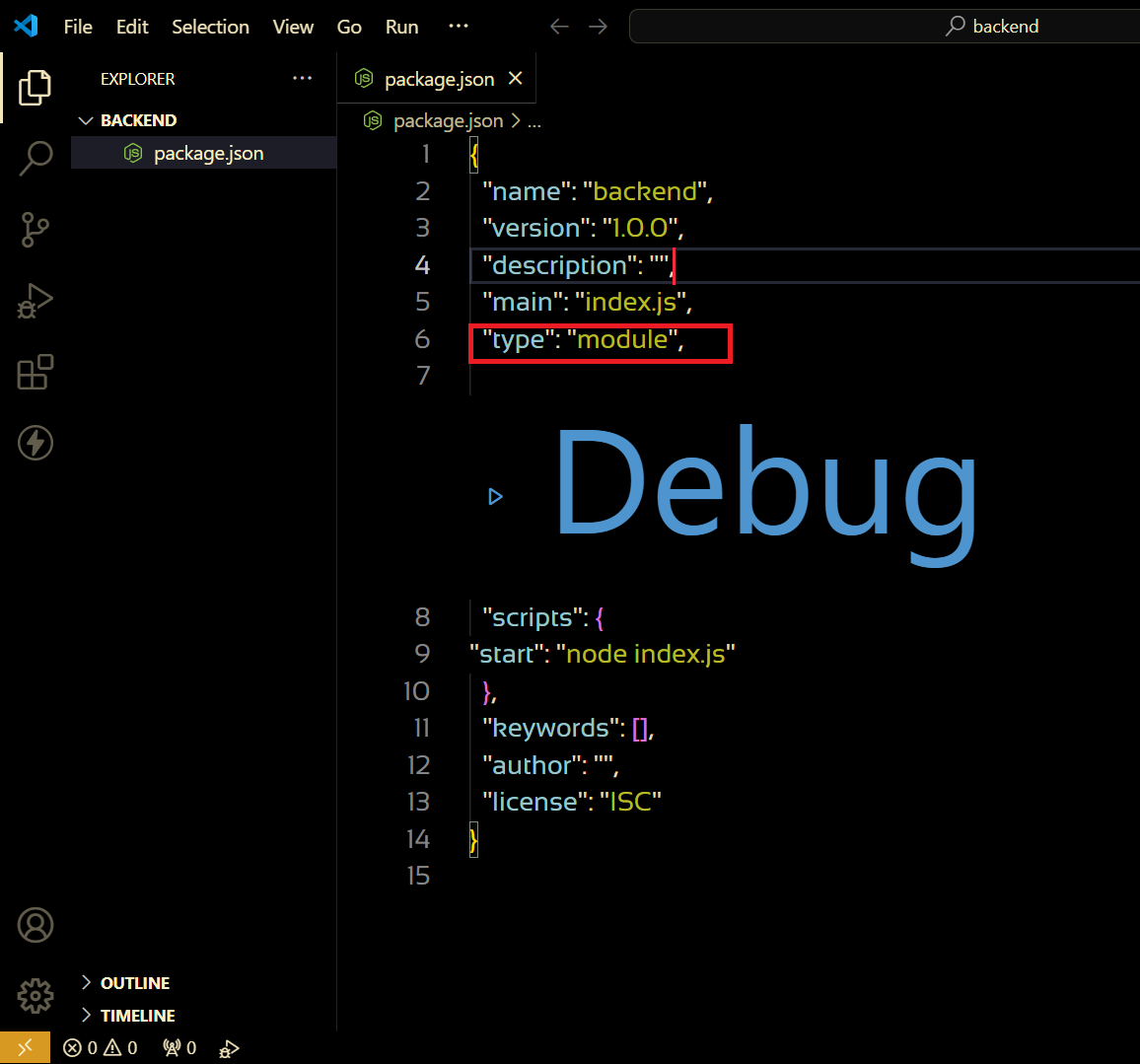
Create a file with the name of
index.jsNow install Express, just type
npm install expressin your terminal and hit enter. This command downloads and installs Express for your project.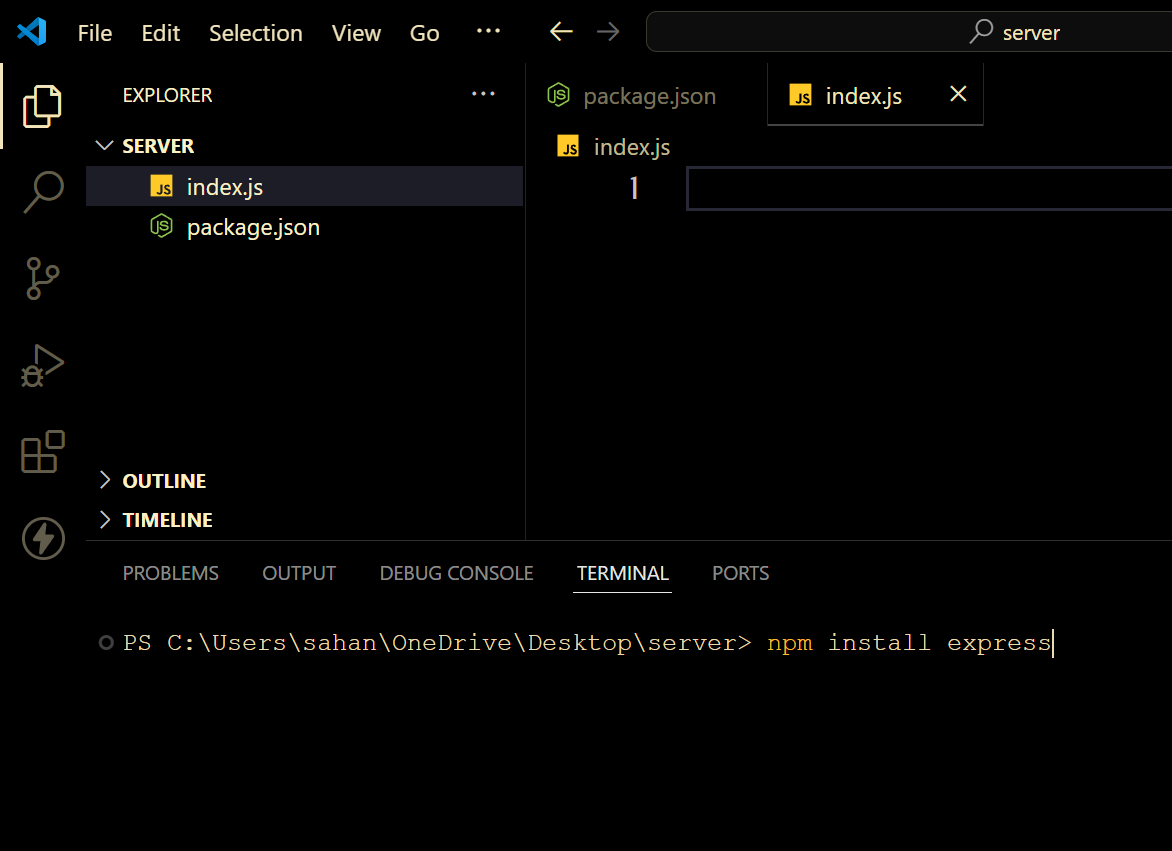
Now
import express form 'express"inindex.jsfile.Using this express initialize a server or app.
const app = express();Create a variable by the name of PORT
const PORT = 5000
app.listen(PORT, () => {
  console.log(`Server running on ${PORT}`);
});
This code start express server app listening on the specified
PORT 5000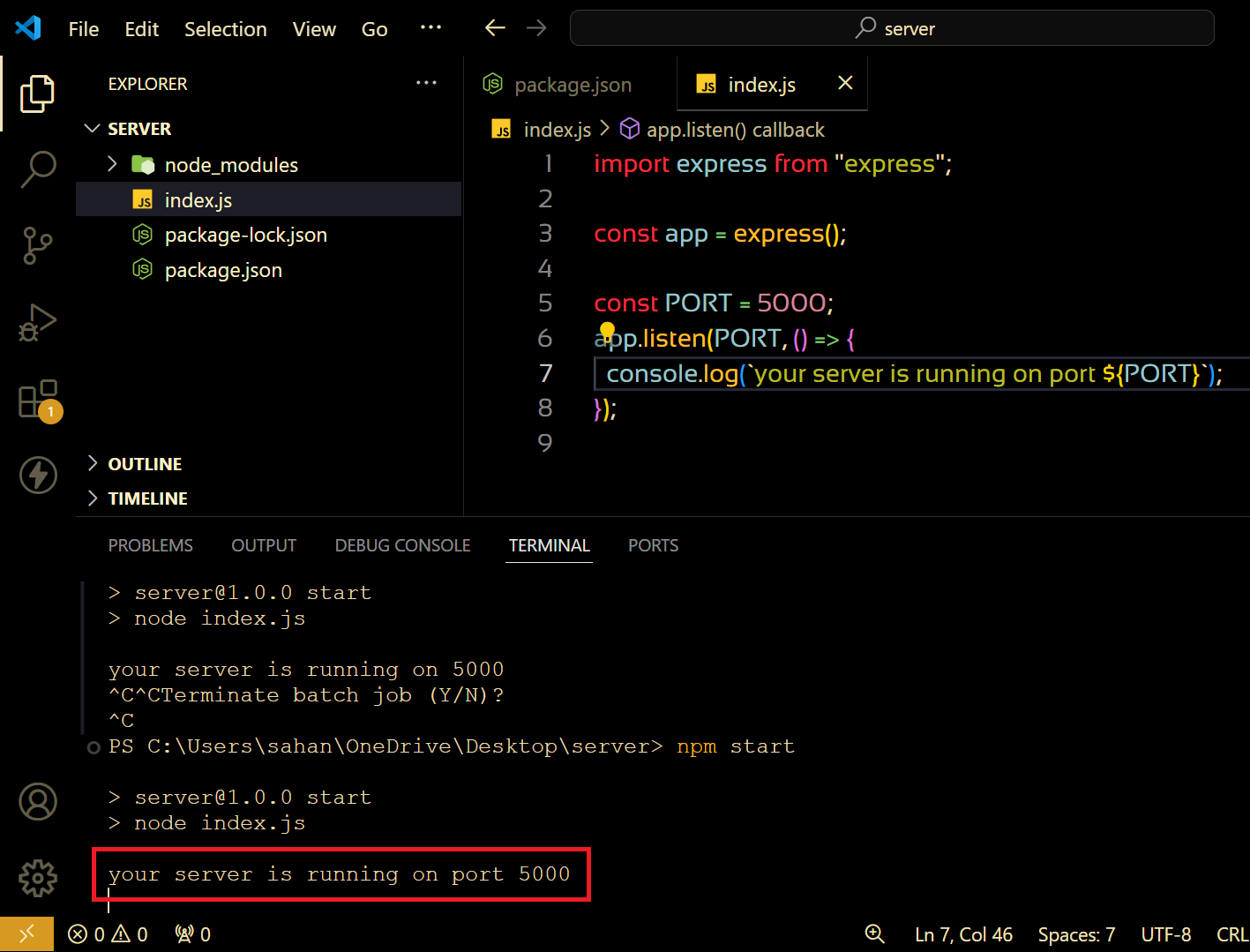
Create our first API by get method
app.get(). The GET method is used to request data from a server without changing anything on the server.
app.get("/welcome", (req, res) => {
  res.send("Welcome to the server..!🎉");
});
Here we give to the path and controller to our API method.
Where
'/welcome' is path and
(req,res) => {res.send("Welcome to the server..!🎉")} is controller function.
import express from "express";

const app = express();

const PORT = 5000;

app.get('/welcome', (req,res) => {
  res.send("Welcome to the server..!🎉)
});

app.listen(PORT, () => {
  console.log(`your server is running on port ${PORT}`);
});
- Now open the terminal and start server by command :
npm start;
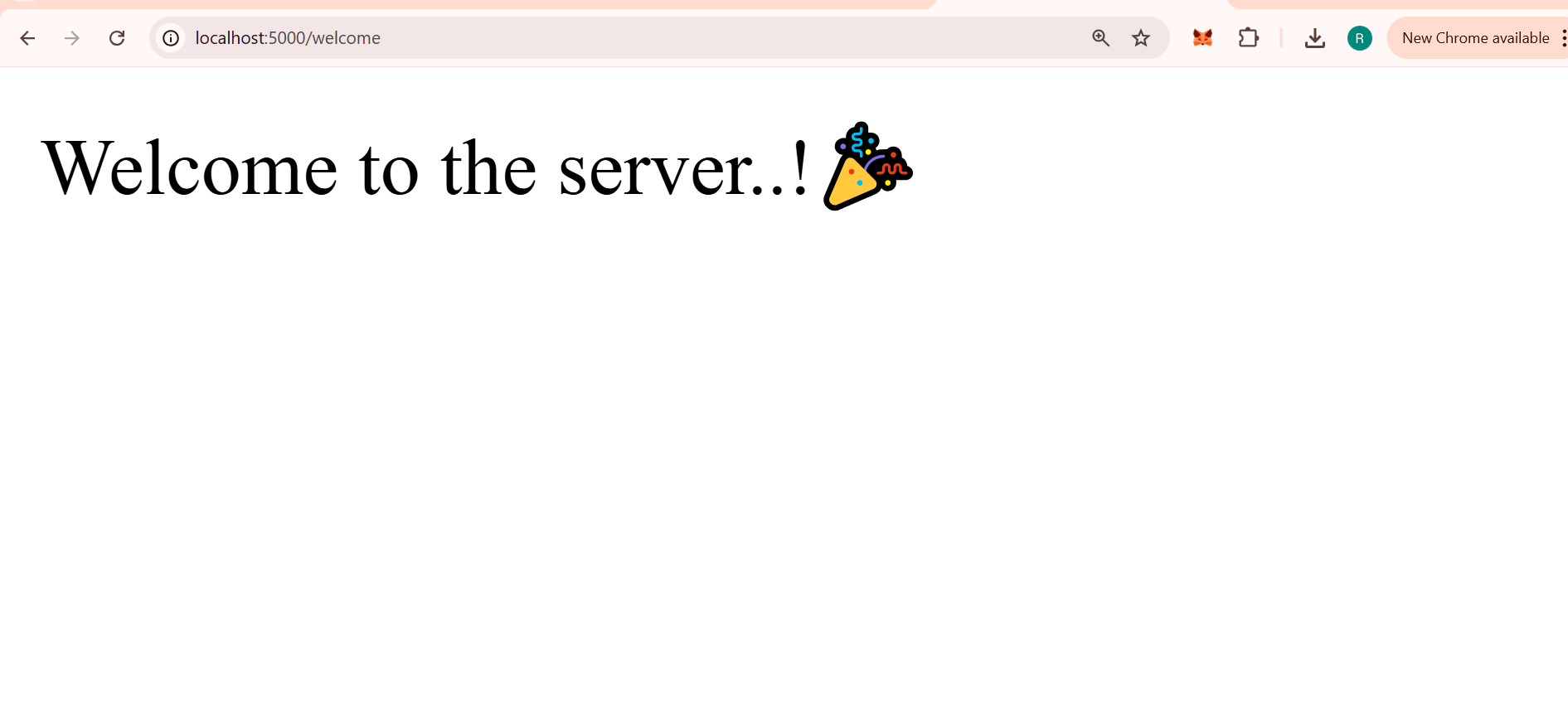
- Check your welcome API by entering URL in the browser address zone. Your browser sends a GET request to fetch the page’s content. The url is :
"http://localhost:5000/welcome";
Common Mistakes
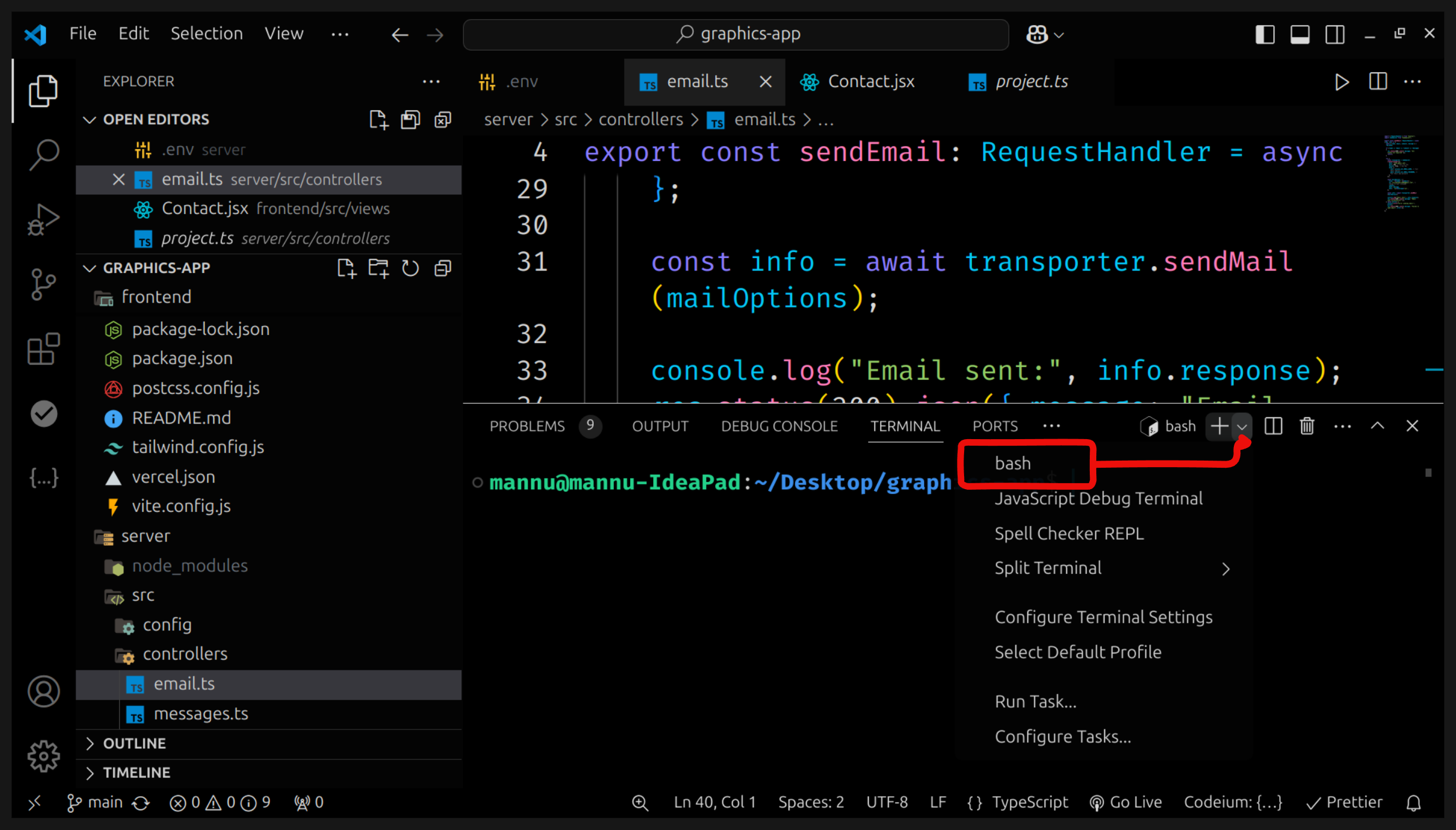
Always use git bash for starting the server or any of the task related to npm command.
if you get error
Address already in use: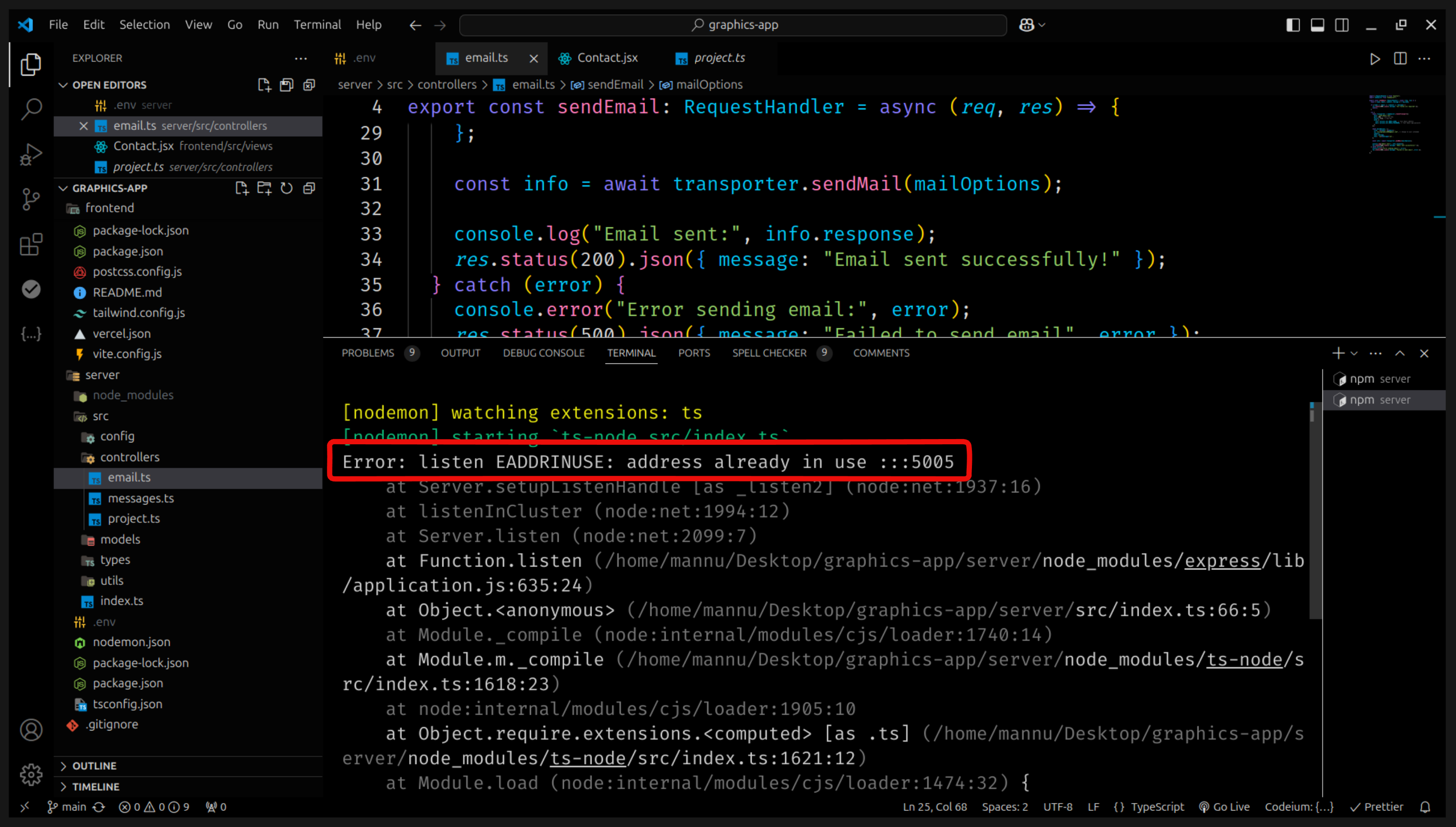
change your port number or check is it running on another terminal .