Creating Basic Server
What is Server ?
A server is a computer or software that shares information or services with other computers over a network. It responds to requests and provides resources like websites, databases, or files to users or other programs.
What is Port ?
A port is a number that helps the server identify different services. It's like a door or window that allows data to enter and exit, enabling the server to isten for requests.
What is ExpressJS ?
Express.js Fast, simple Node.js framework for building web apps and APIs by providing essential features like routing, middleware support , and template engines.
How to create basic server ?
First create a folder on your desktop.
Open that folder in VS Code Editior.
Then type a command in terminal
npm init -y, This command initialize your project with default settings, and sets up a basic configuration for yourNode.jsproject without asking for manual input.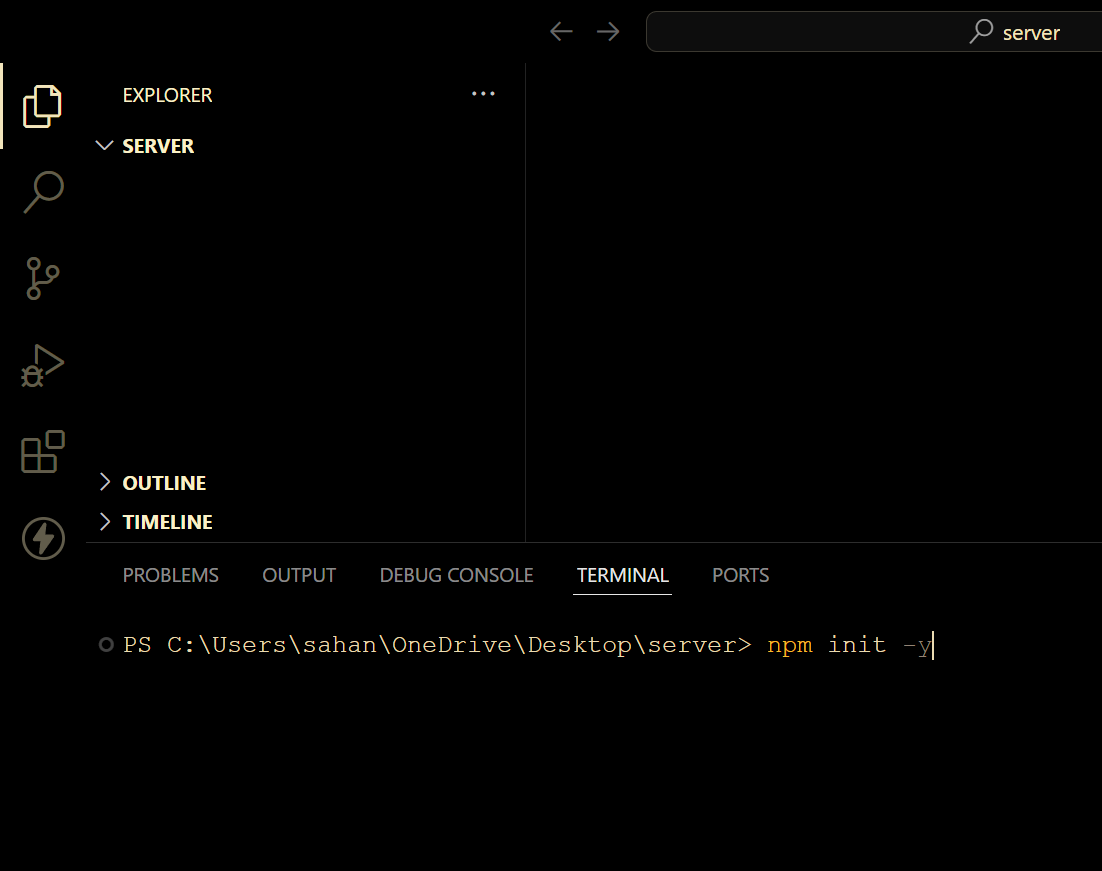
it will create
package.jsonfile .Replace the
"test": "echo \"Error: no test specified\" && exit 1"script with"start": "node index.js".This sets the command to run when you executenpm startin your terminal. It runs theindex.jsfile usingNode.js.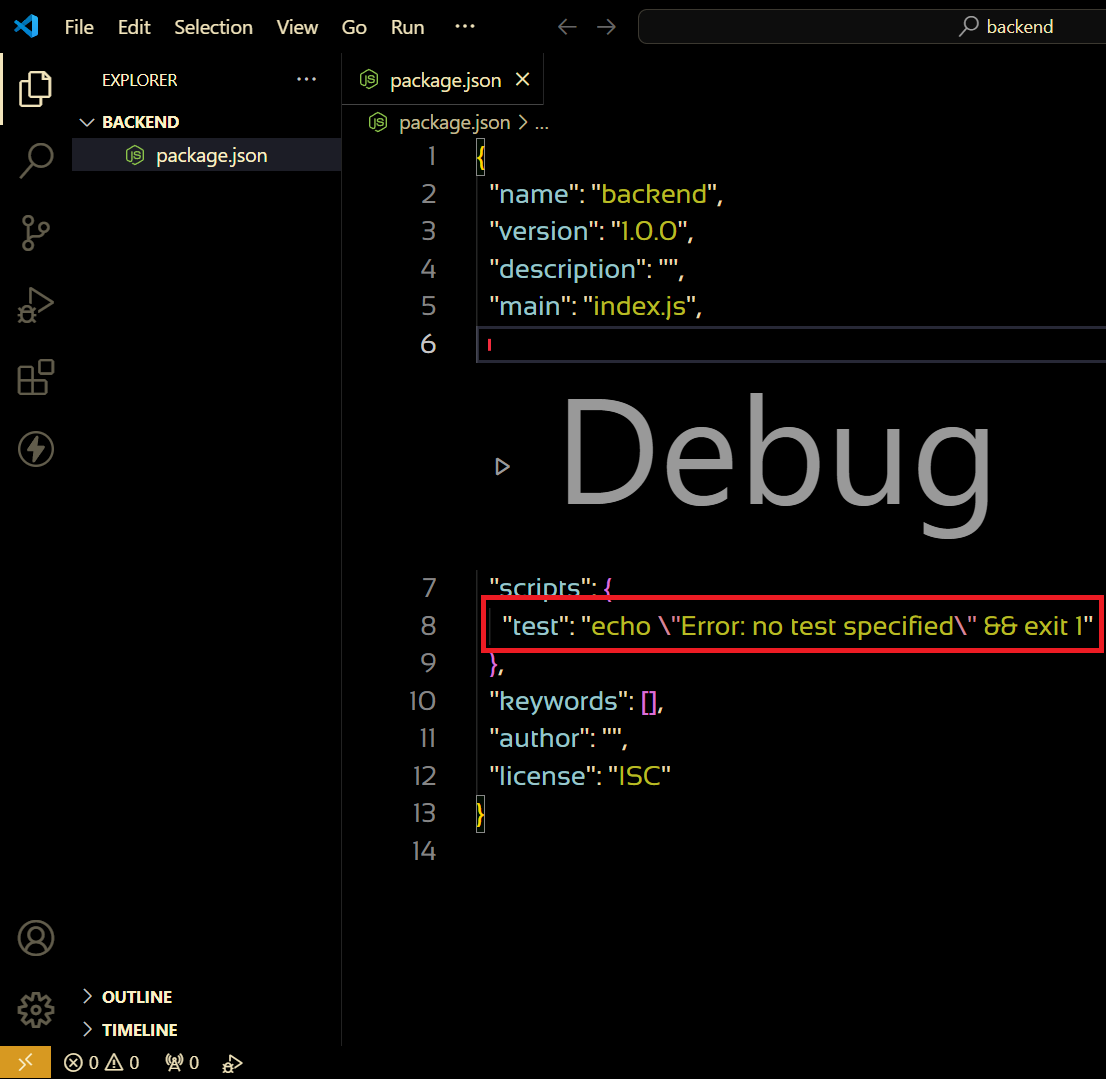
"module" after the "main" field to specify that your project uses ES modules,
"type": "module"This indicates that your project uses ES modules for JavaScript files.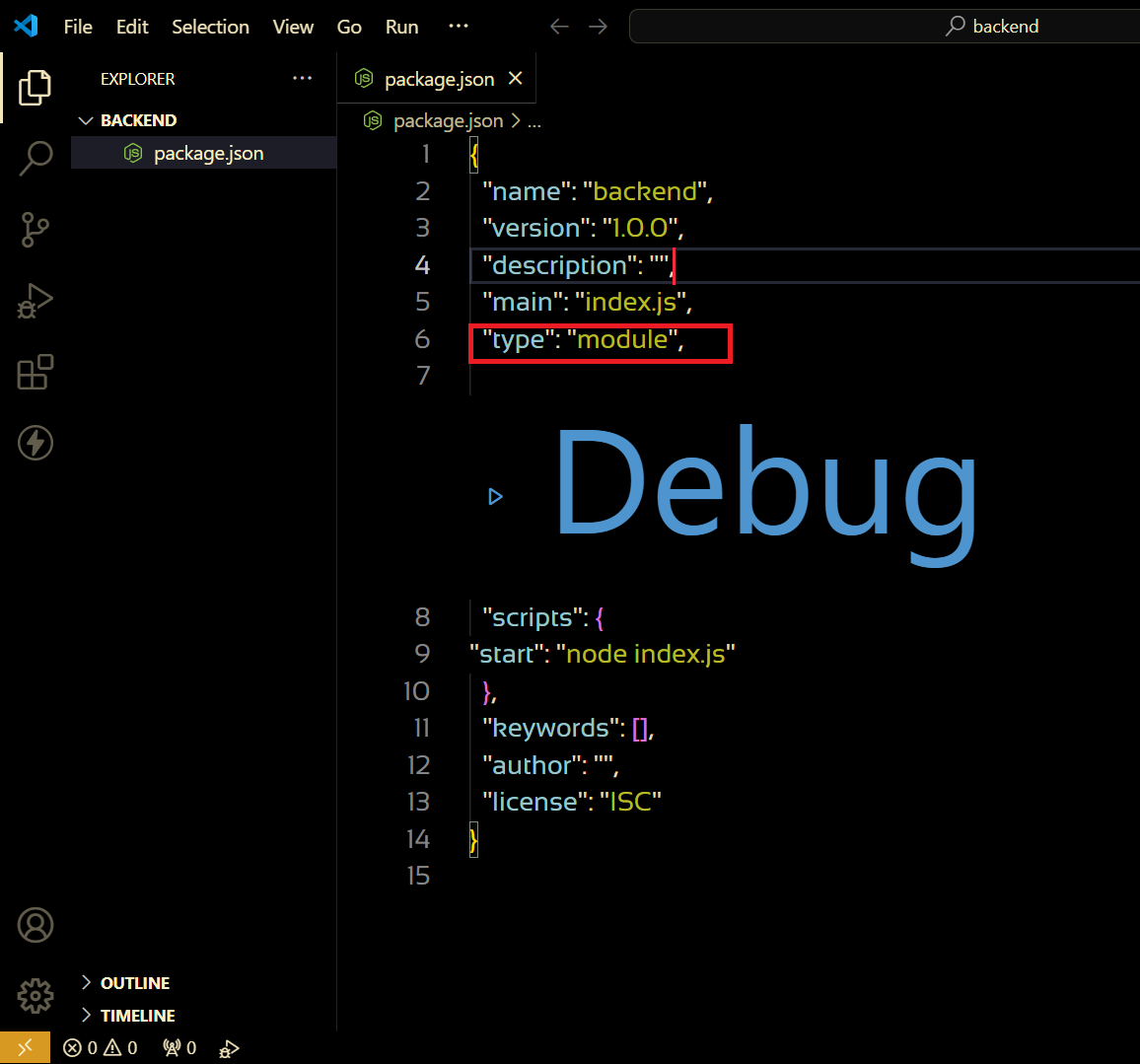
Create a file with the name of
index.jsNow install Express, just type
npm install expressin your terminal and hit enter. This command downloads and installs Express for your project.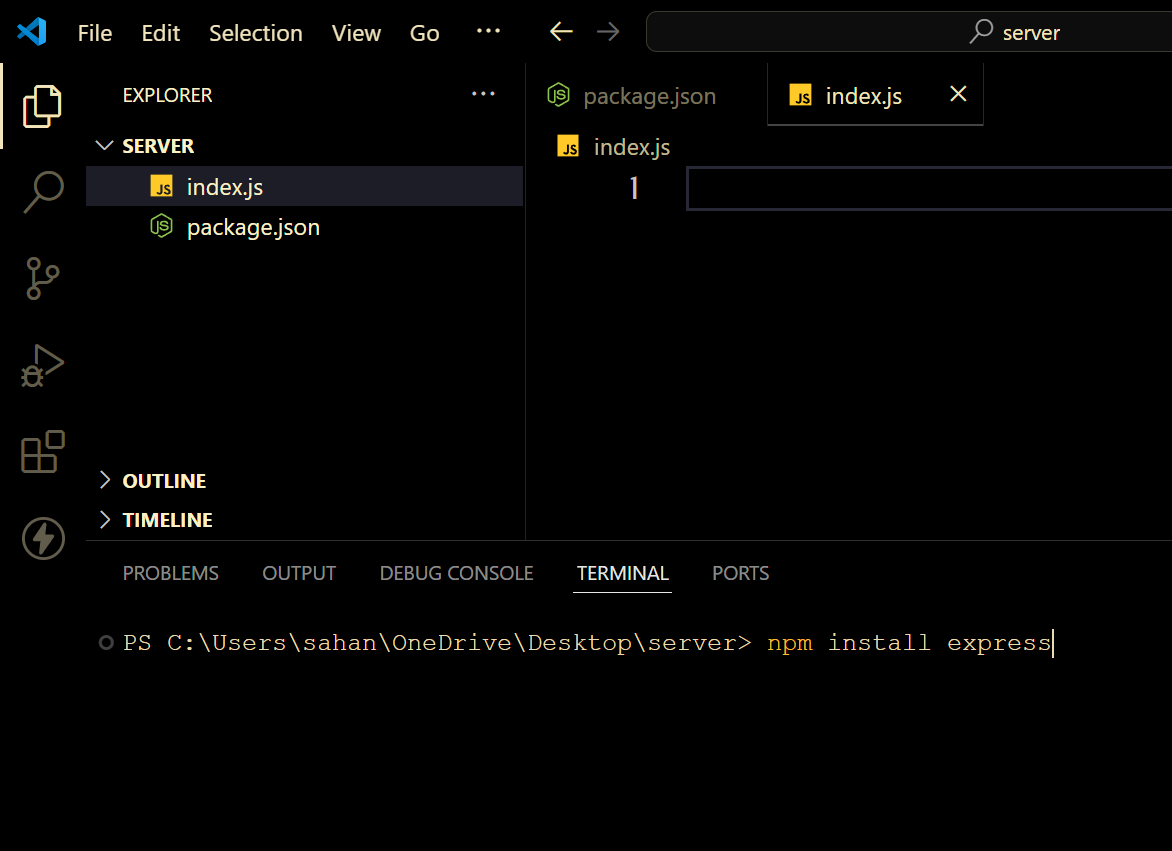
Now
import express form 'express"inindex.jsfile.Using this express initialize a server or app.
const app = express();Create a variable by the name of PORT
const PORT = 5000
app.listen(PORT, () => {
  console.log(`Server running on ${PORT}`);
});
This code start express server app listening on the specified
PORT 5000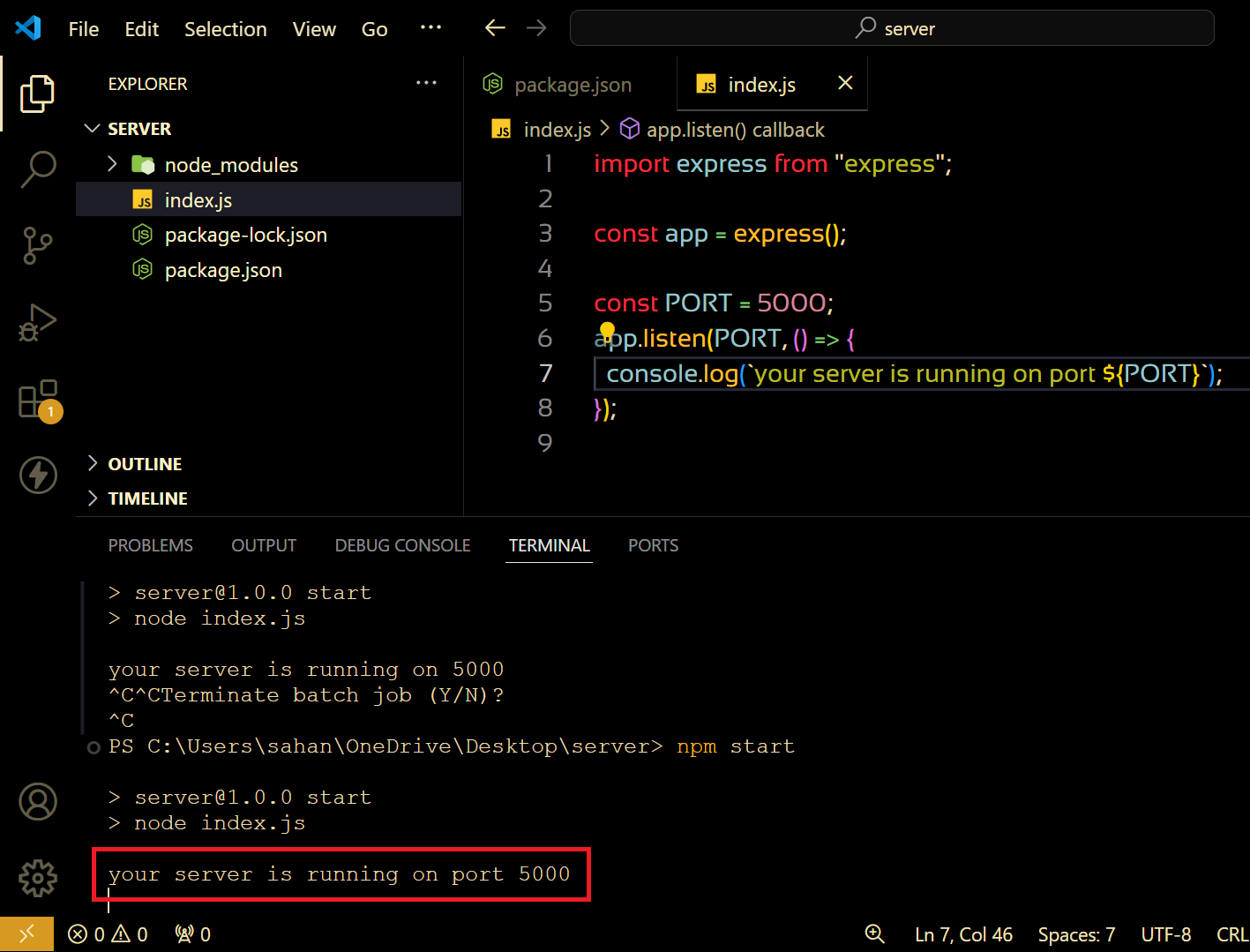
import express from "express";

const app = express();

const PORT = 5000;

app.listen(PORT, () => {
  console.log(`your server is running on port ${PORT}`);
});
Common Mistakes
Always use git bash for starting the server or any of the task related to npm command.
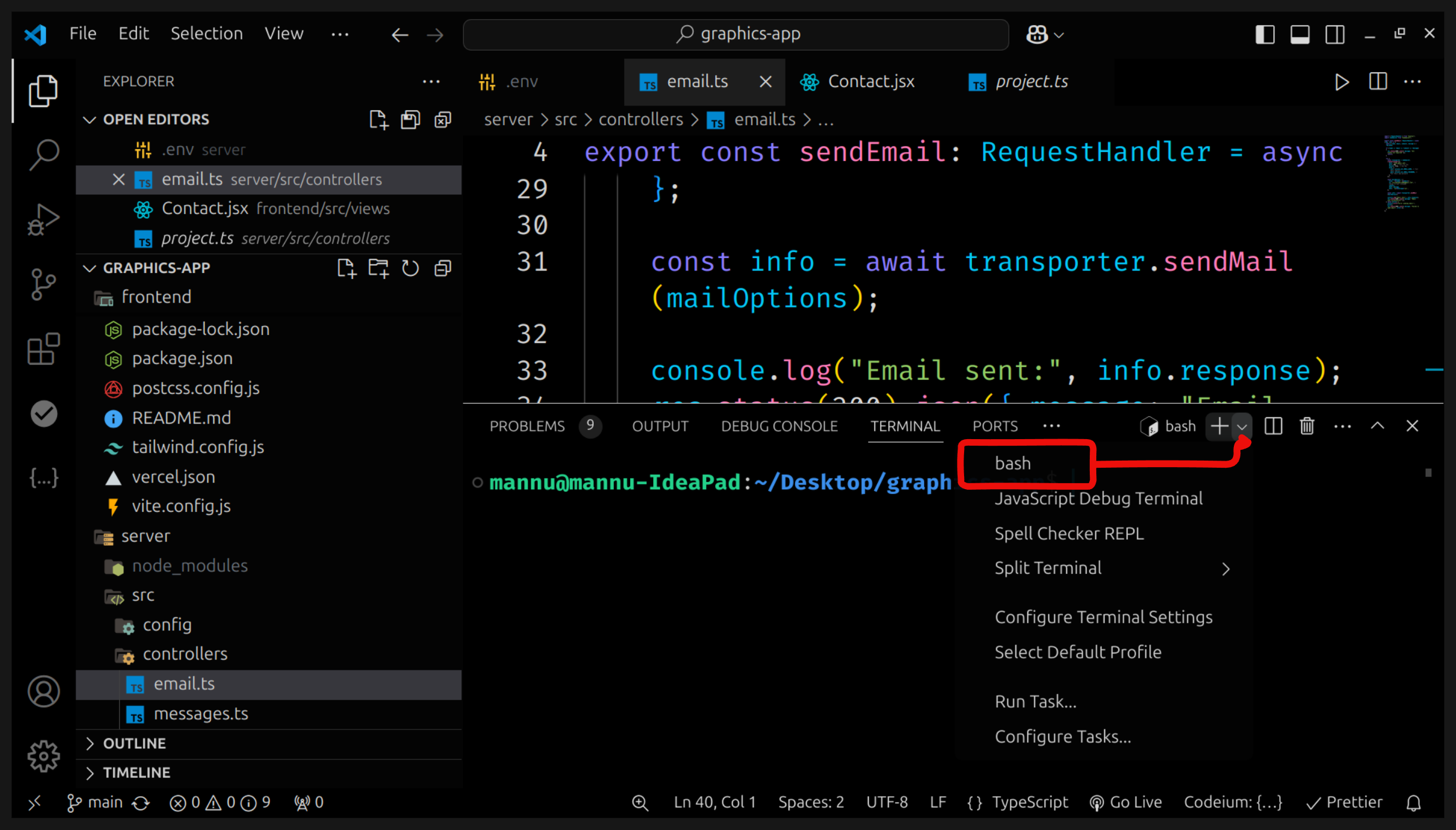
if you get error
Address already in use: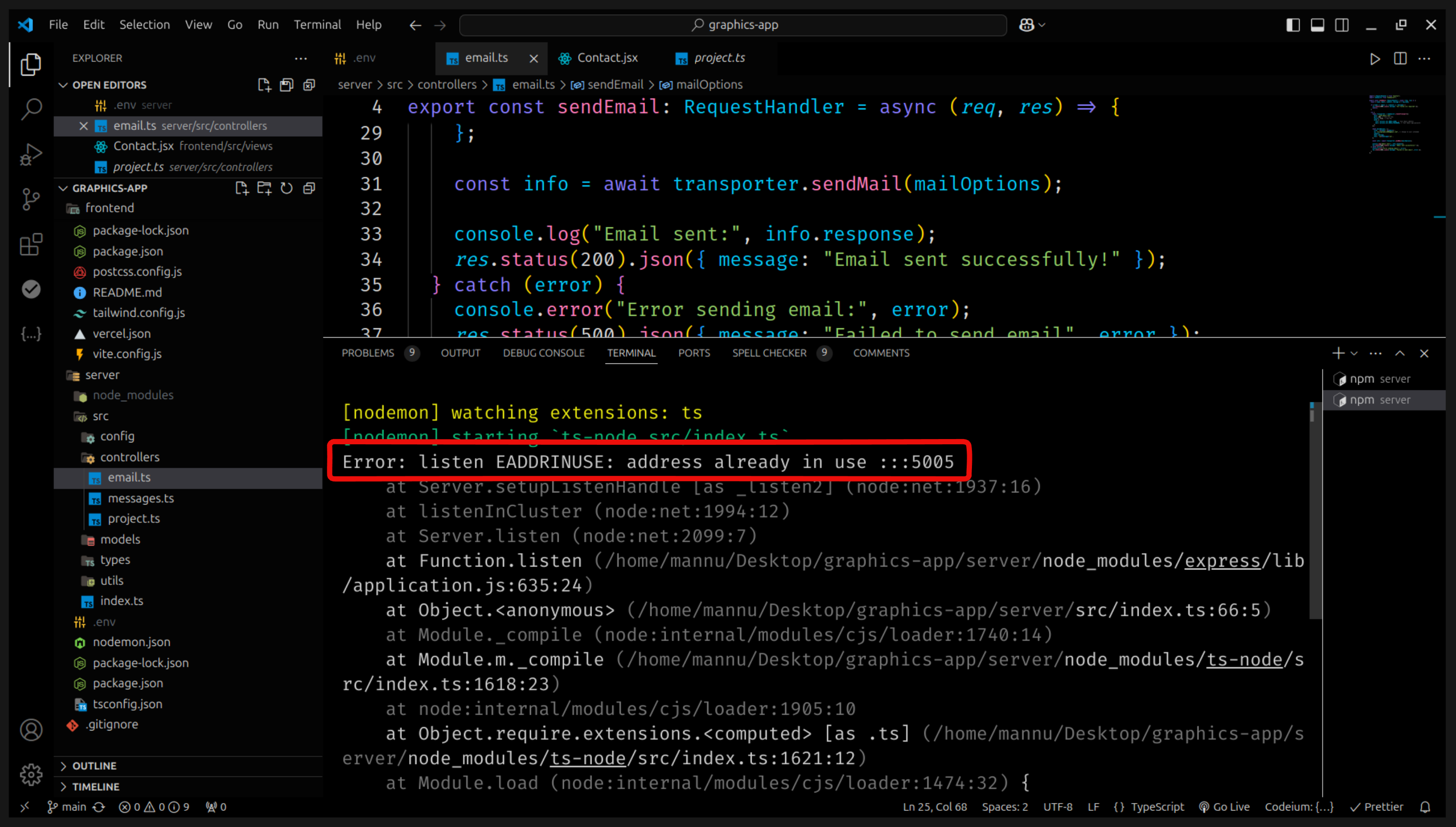
change your port number or check is it running on another terminal .