Version Of NodeJS
How to check the version of Nodejs in the terminal?
To check the version of Node.js installed on your system, follow these steps:
Open a Terminal:
- On Windows, you can use the Command Prompt or Visual Studio Code terminal.
- On macOS and Linux, you can use the built-in terminal.
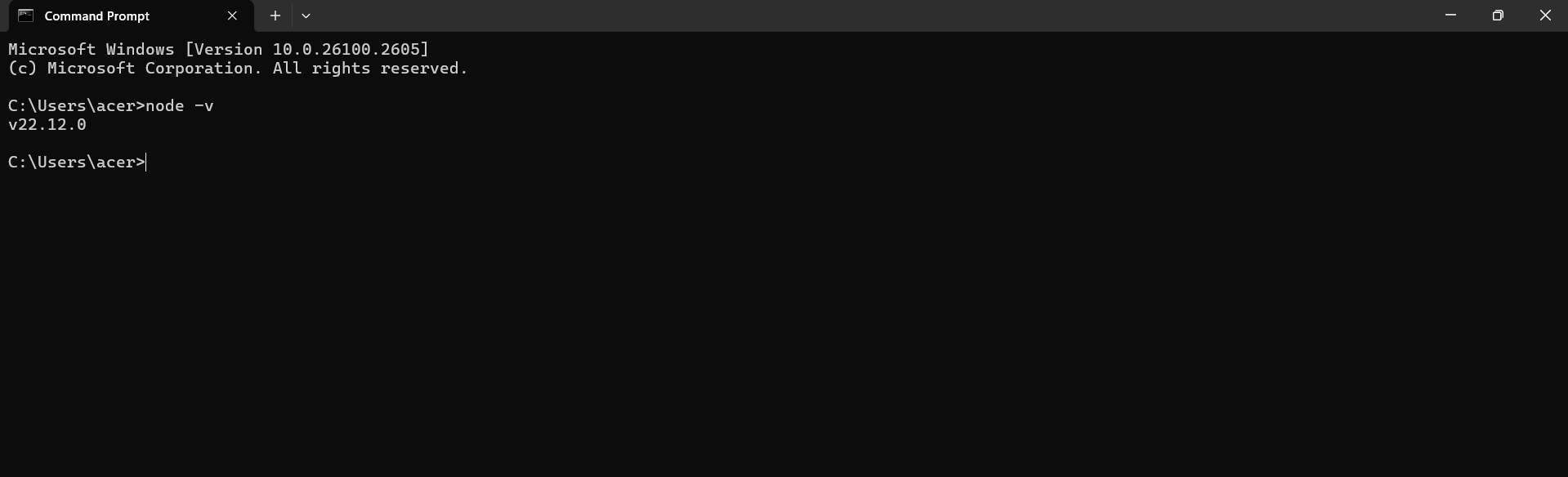
Run the Command: Type the following command and press Enter:
node -v
Understanding Node.js Versions
Node.js versions follow a semantic versioning scheme, consisting of three parts: MAJOR, MINOR, and PATCH.
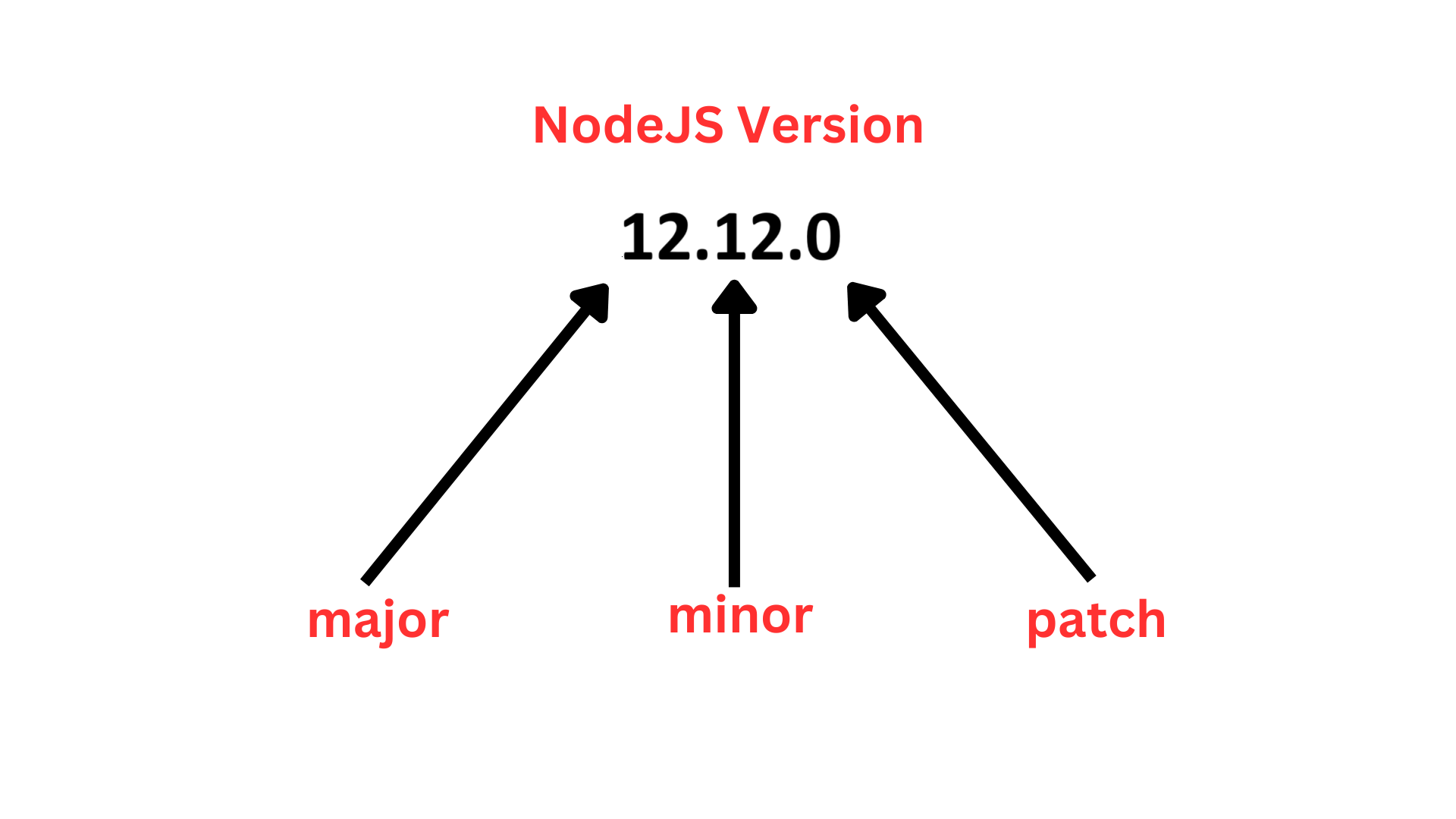
MAJOR : Represents significant changes that might include breaking changes and major new features.
MINOR : Includes smaller enhancements, new features, and improvements that are backward-compatible.
PATCH: Contains minor fixes and patches for existing features.