S3 Bucket
What is Amazon S3 Bucket?
Amazon S3
(Simple Storage Service)bucket is part ofAWS, It is used to store and manage data in the form of objects.A bucket is a container for objects (data files), similar to a folder in a traditional filesystem.
Why S3 Bucket?
Very secure:
- Data Encryption: Supports both server-side encryption (managed by AWS) and client-side encryption.
Scalable:
- Highly scalable: S3 can store virtually unlimited amounts of data, making it ideal for growing applications or projects.
How to create s3 bucket:
firstly login into aws.
Search
s3into the search field, and click ons3.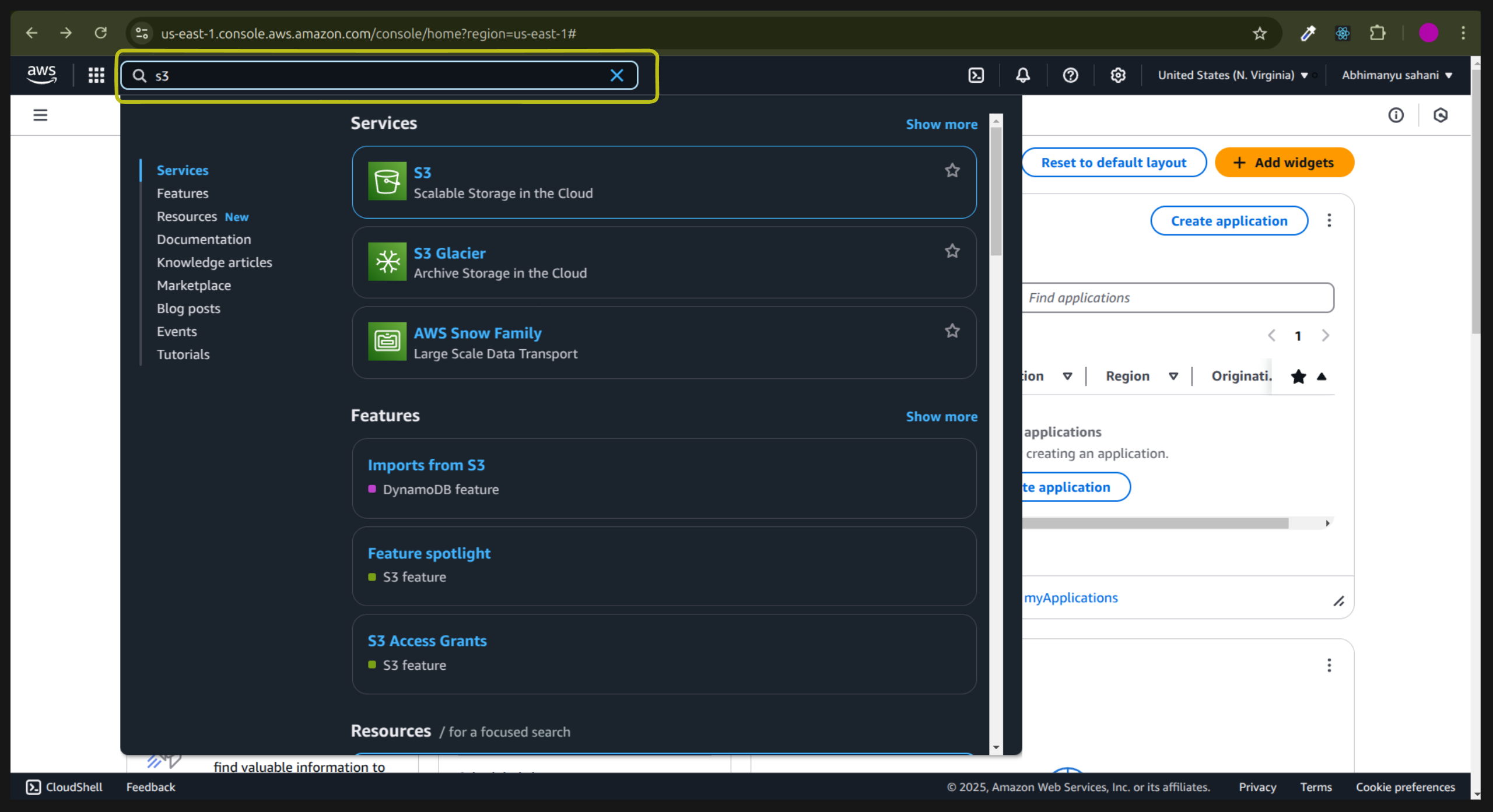
Your will be on
bucketpage, click oncreate bucketbutton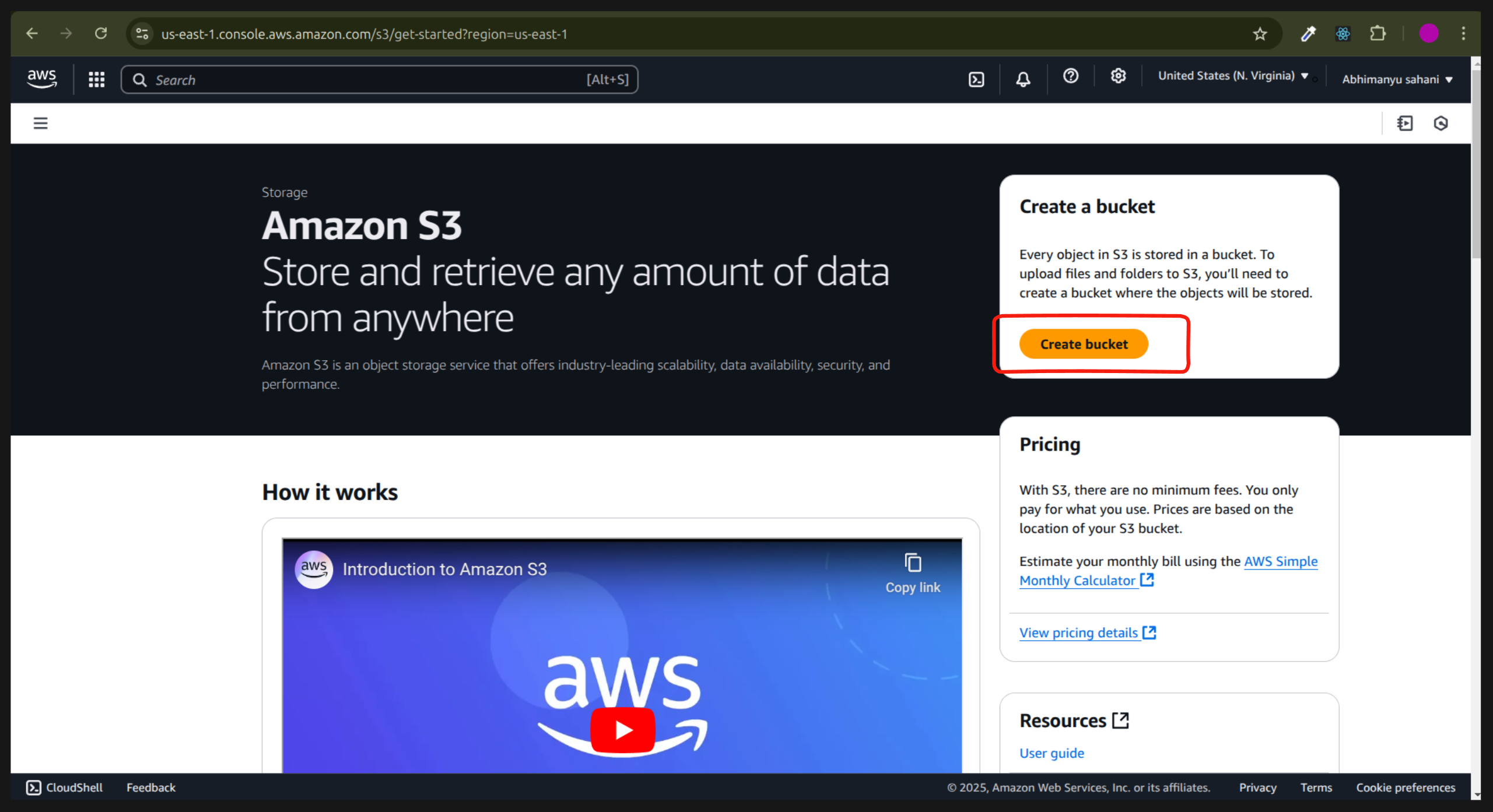
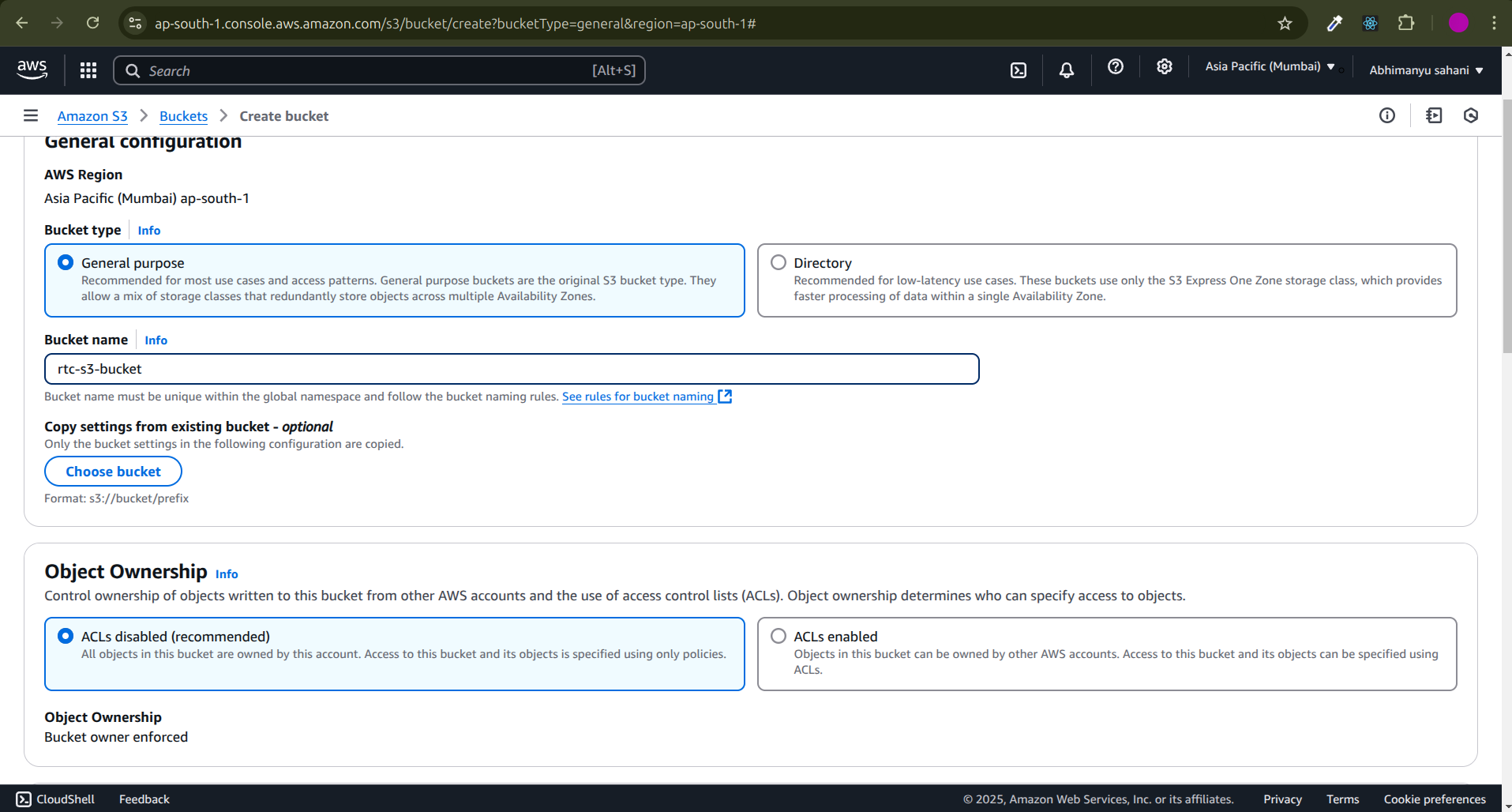
Now you are on the
create bucketpage before creating the bucket make sure you have selected the nearest region.(In my case i have selected the mumbai)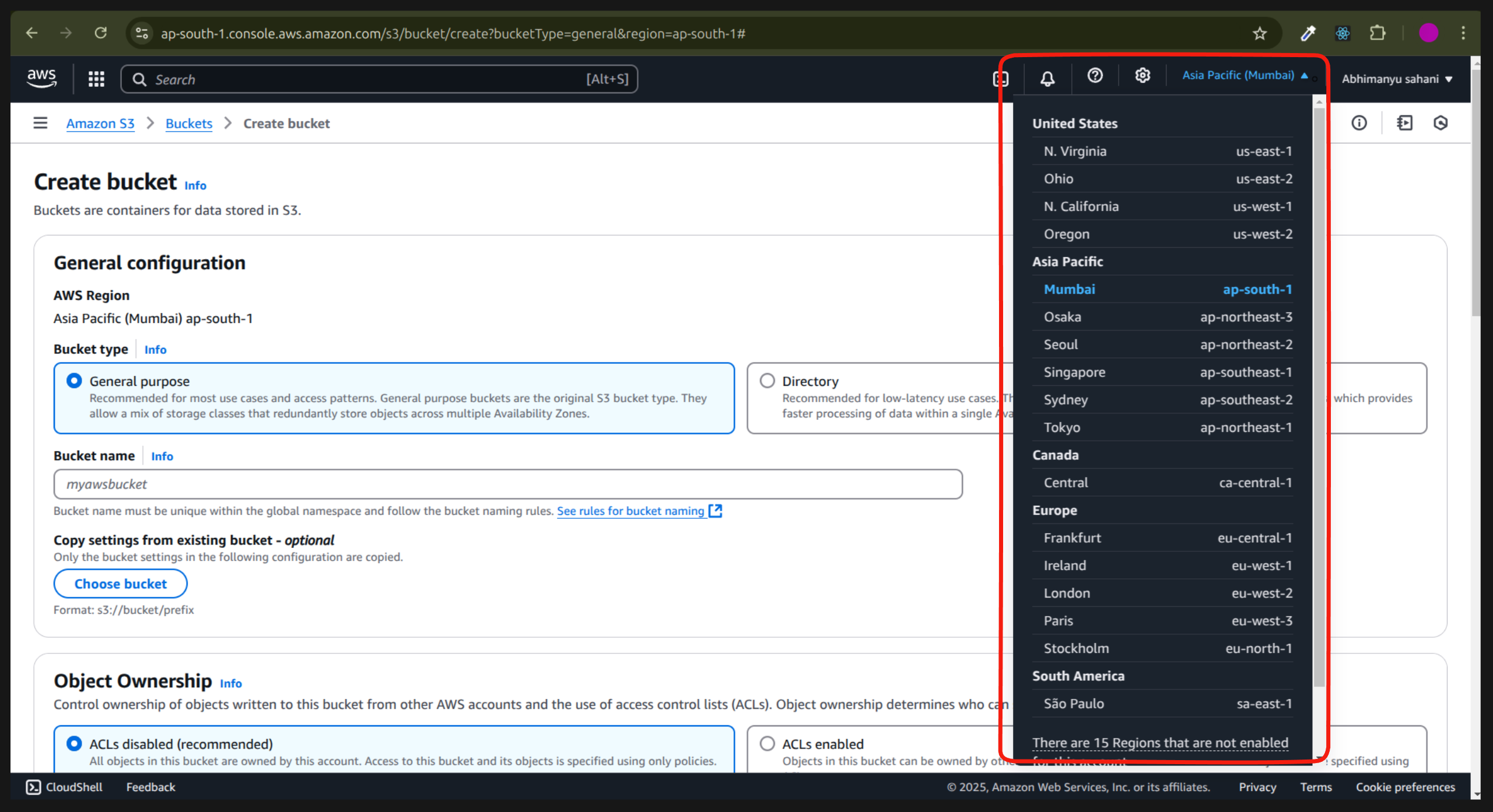
Keep the bucket type as it is to
General purposeBucket name should be unique.
Object Ownership would be the default as it is to
ACLs disabled
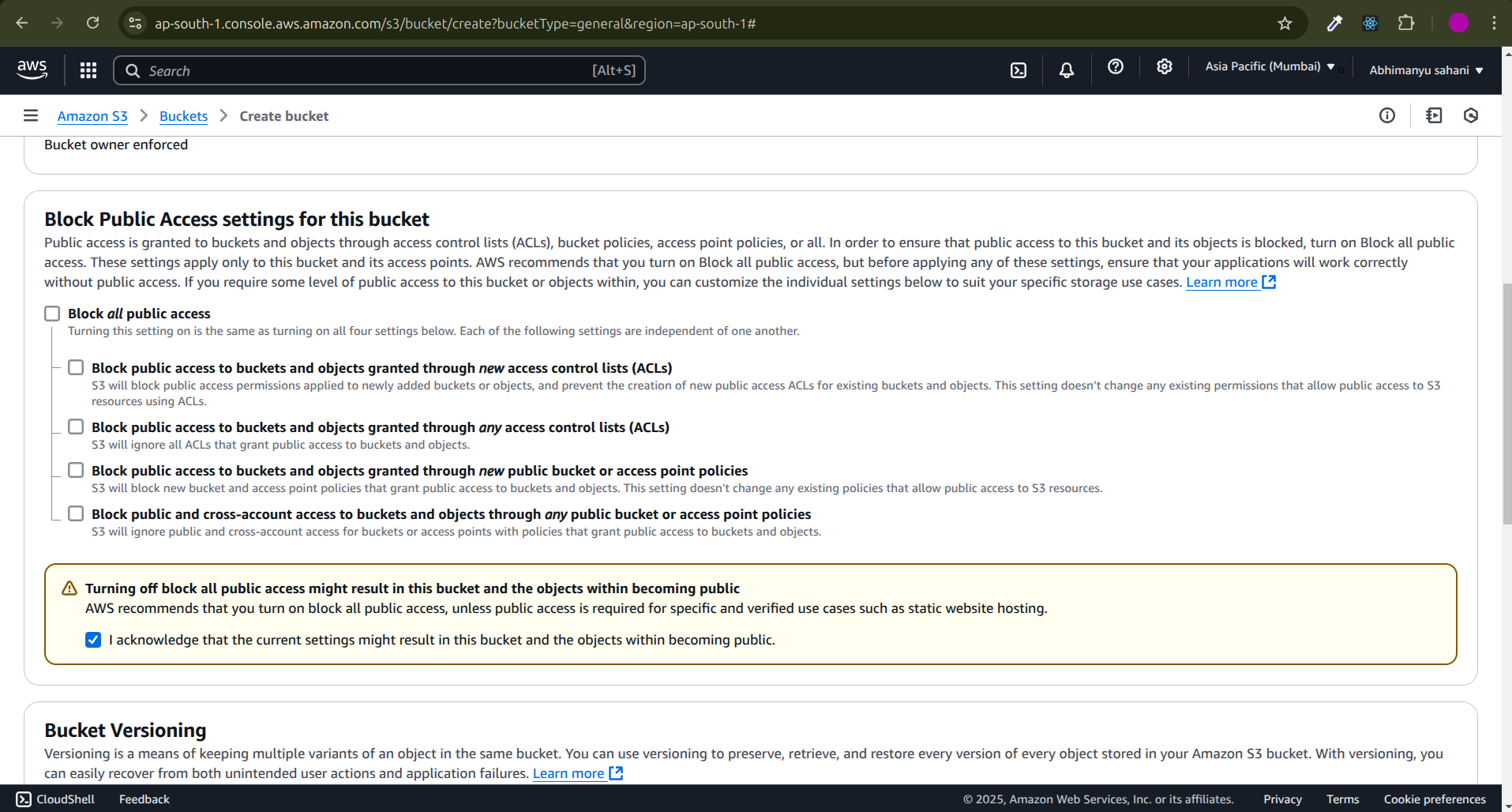
- Uncheck the
Block all public access, next it will show you a warning messageTurning off block all public access might result in this bucket and the objects within becoming public,Checkthis.
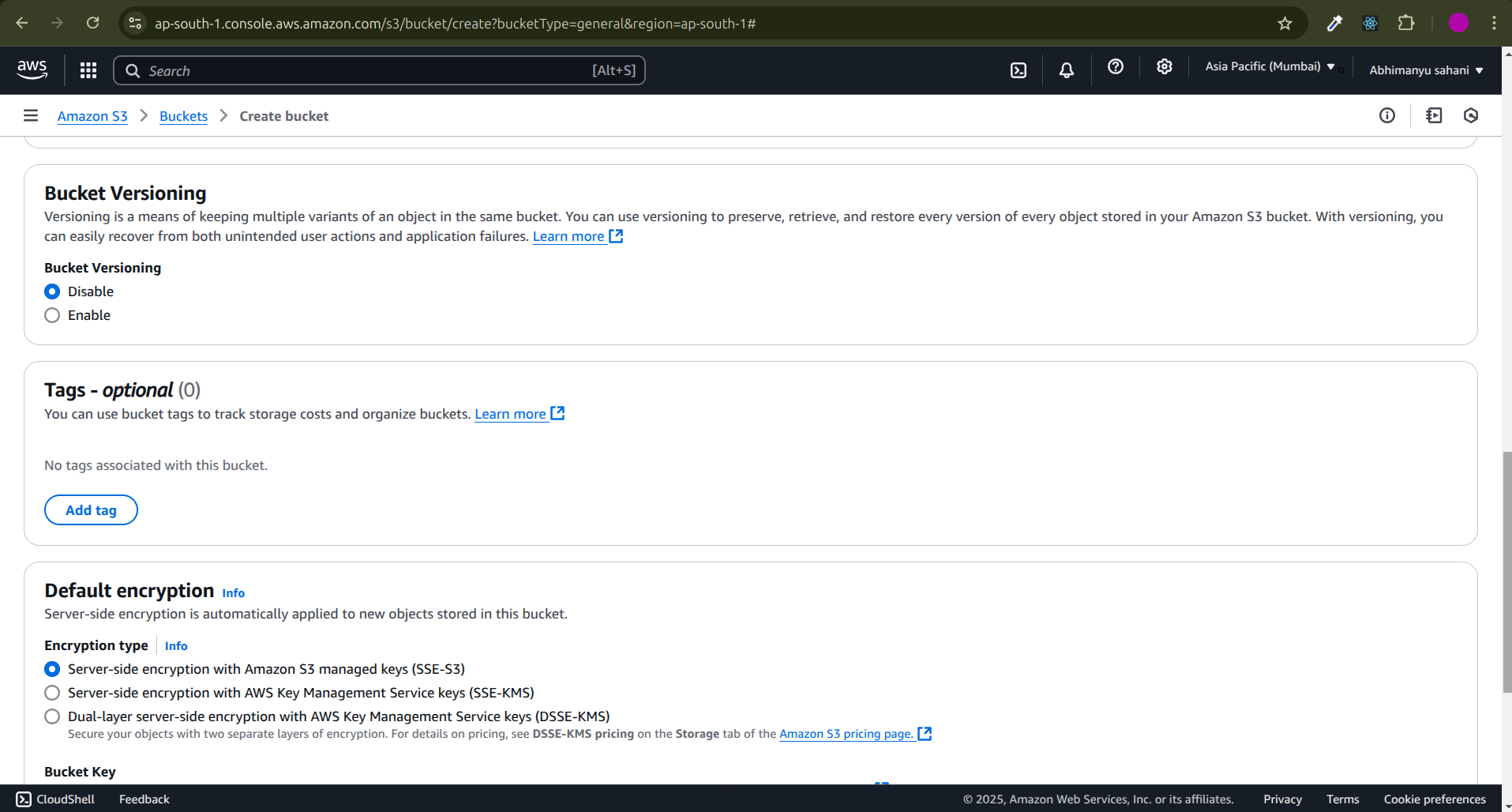
Keep the
Bucket Versioningdefault as it is toDisableNext
Tagskeep as it is to default.keep
Default encryptionas it is toServer-side encryption with Amazon S3 managed keys (SSE-S3)
Disable the
Bucket Keyand click oncreate bucketbutton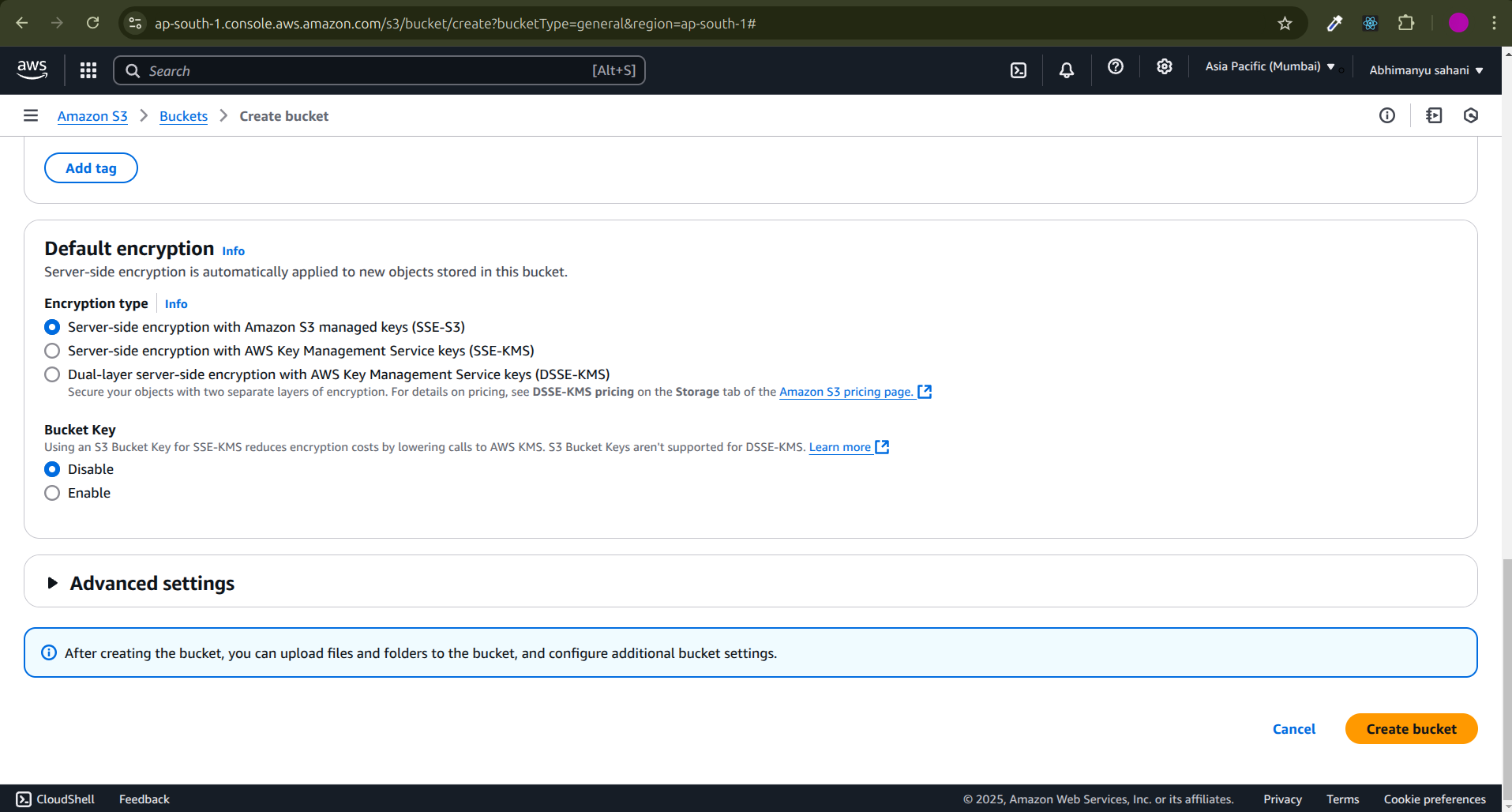
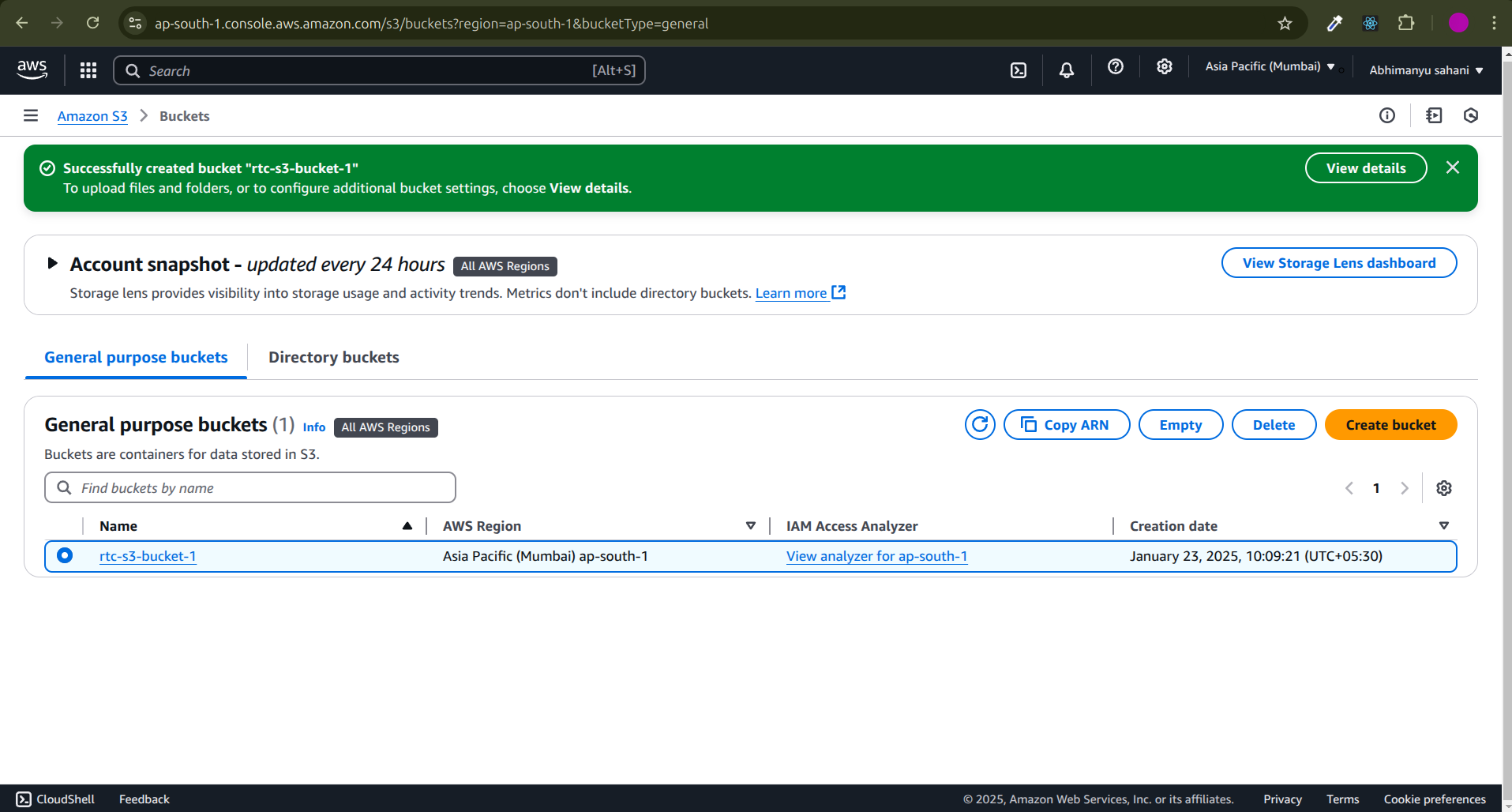
Now you will on the bucket page, select your created bucket and click on it
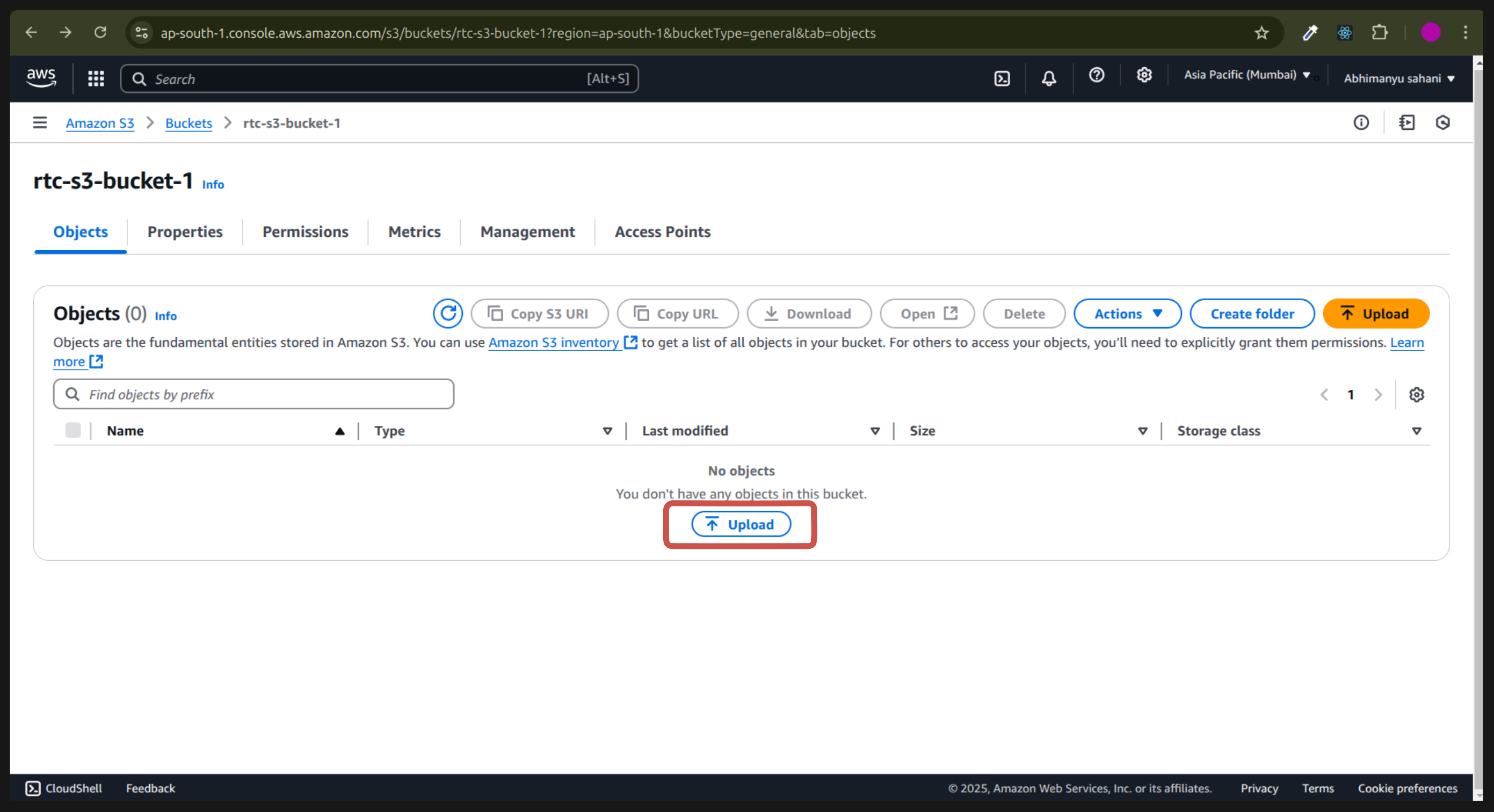
Now you are on your bucket that you have selected click on upload button
Now you can select what to
upload file or folder.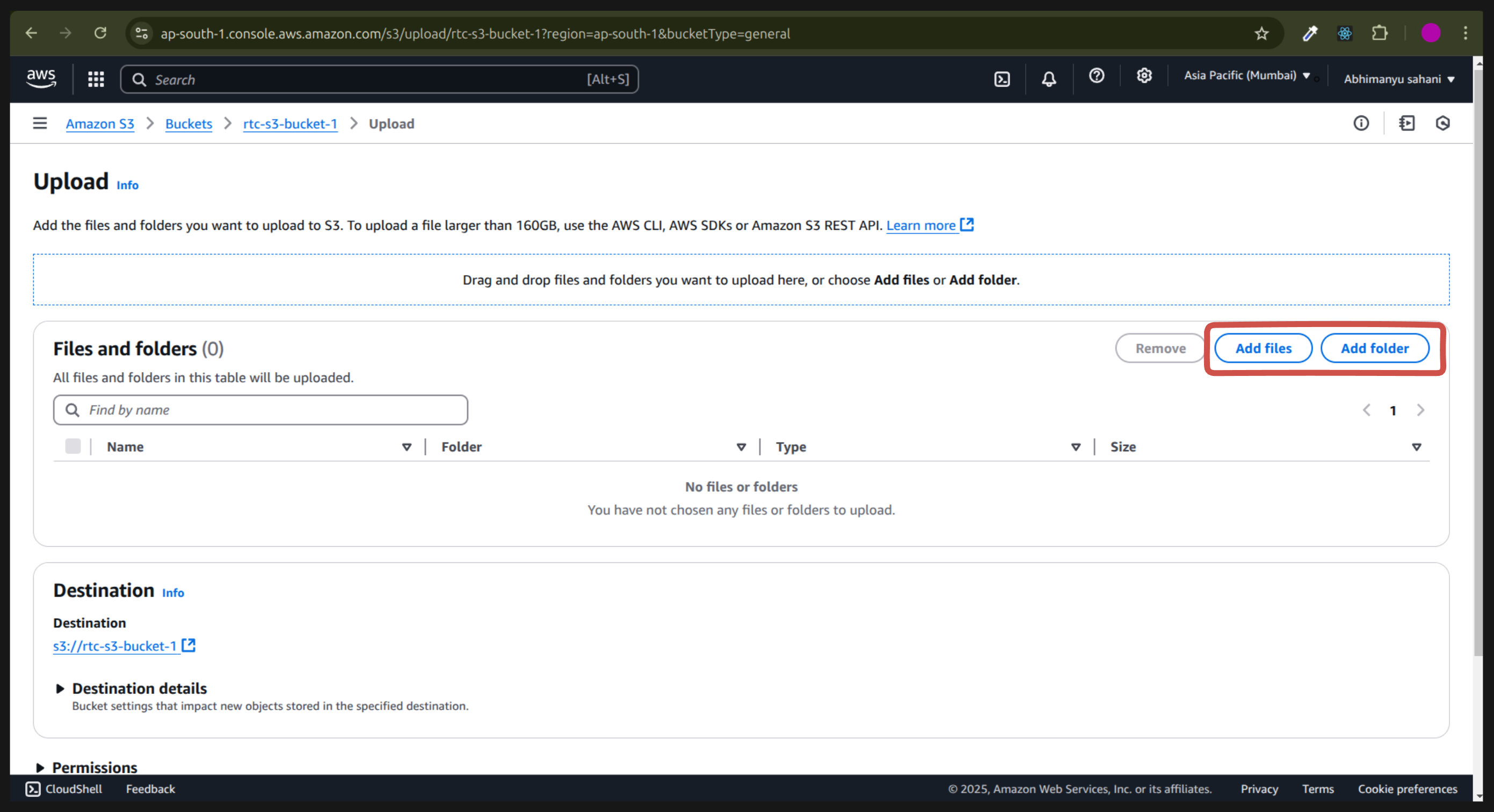
After selecting your data your data will be visible , you can see the type, size and name of your data. Next click on
Uploadbutton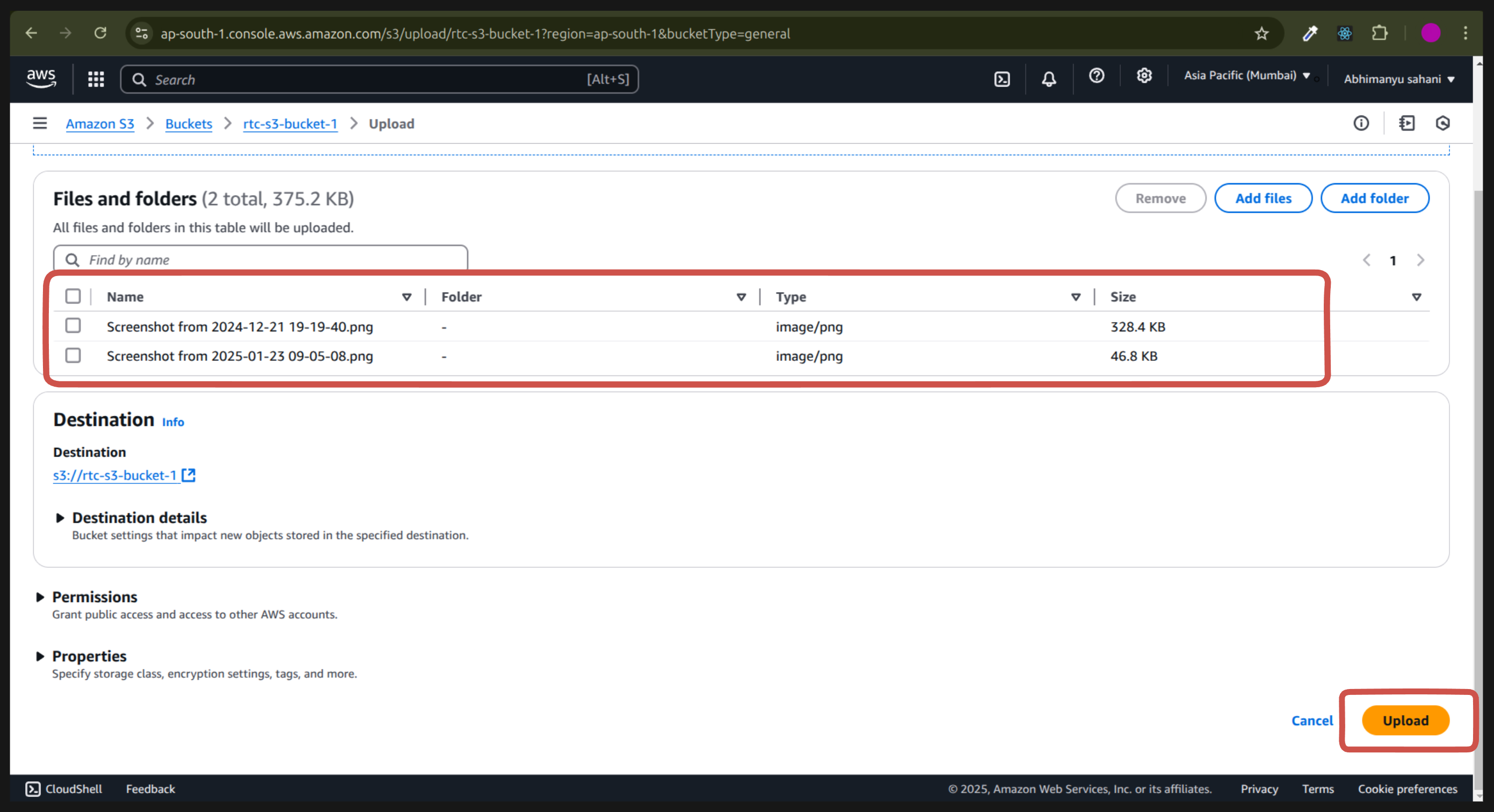
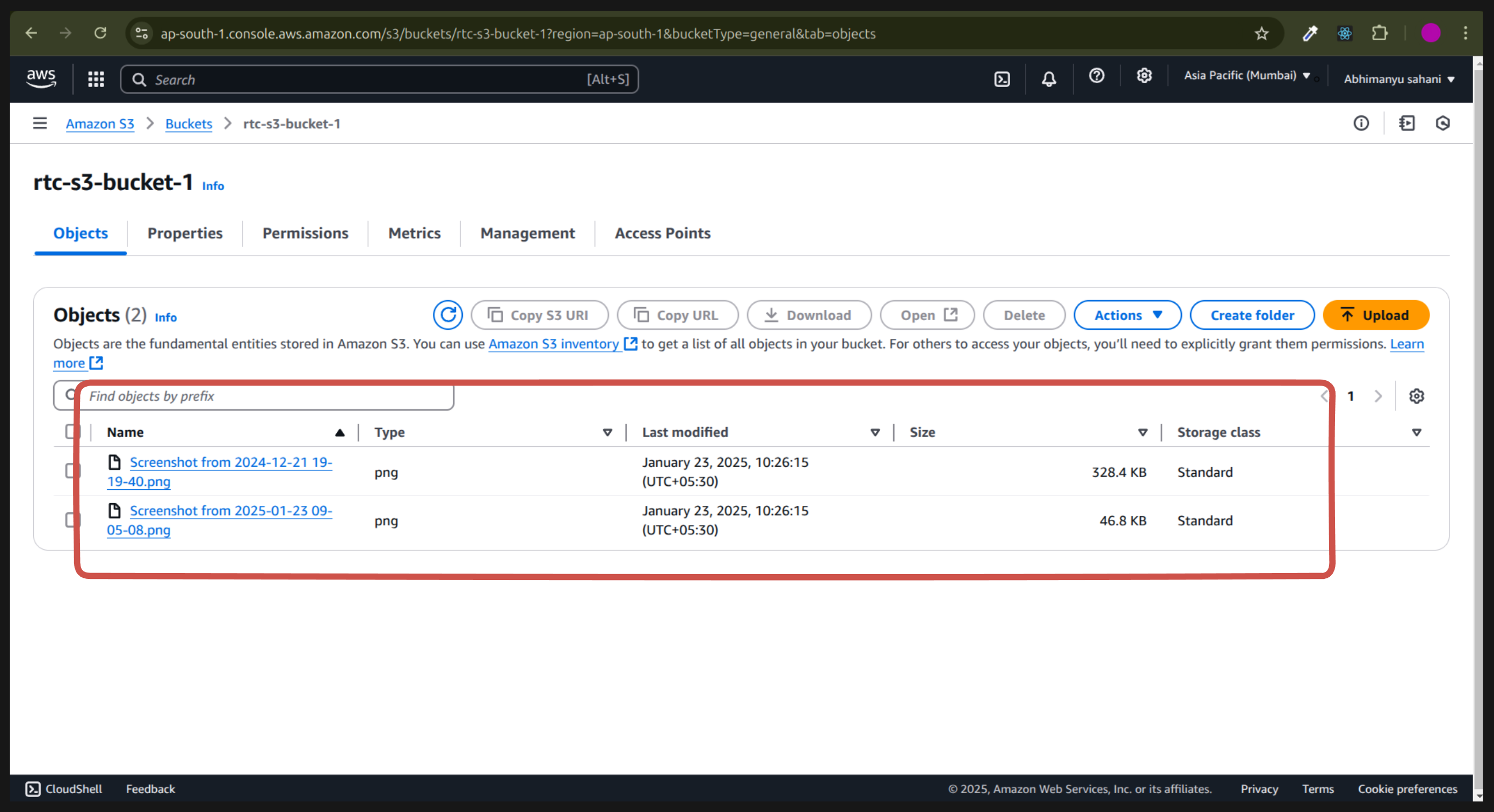
Refresh the page and go back to your bucket and you will see all of your uploaded data